Subjects
The Subjects page manages the catalogue of subjects taught, how they are grouped and — above all — their assignment to classes: which teacher gives which subject to which class, with what coefficient. Accessible from Academic Management → Subjects, it has three tabs: Subjects, Subject Groups and Assignments.
Permissions. Adding, editing and deleting subjects are three separate permissions. The Assignments tab only appears for users allowed to manage class subjects.
The subject catalogue
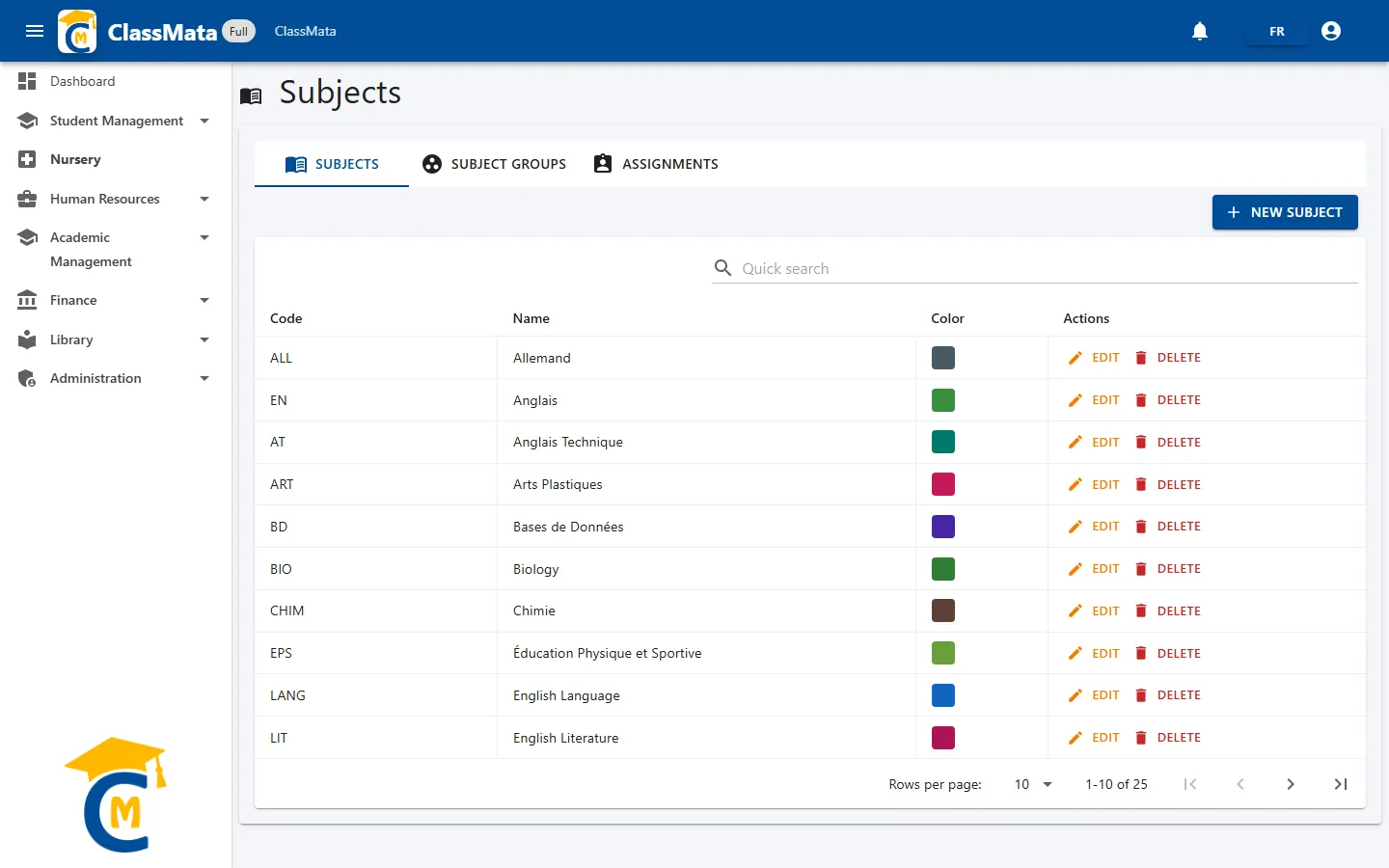
The first tab lists every subject of the school with its Code, Name and Color. The Quick search field filters the list as you type.
Add or edit a subject
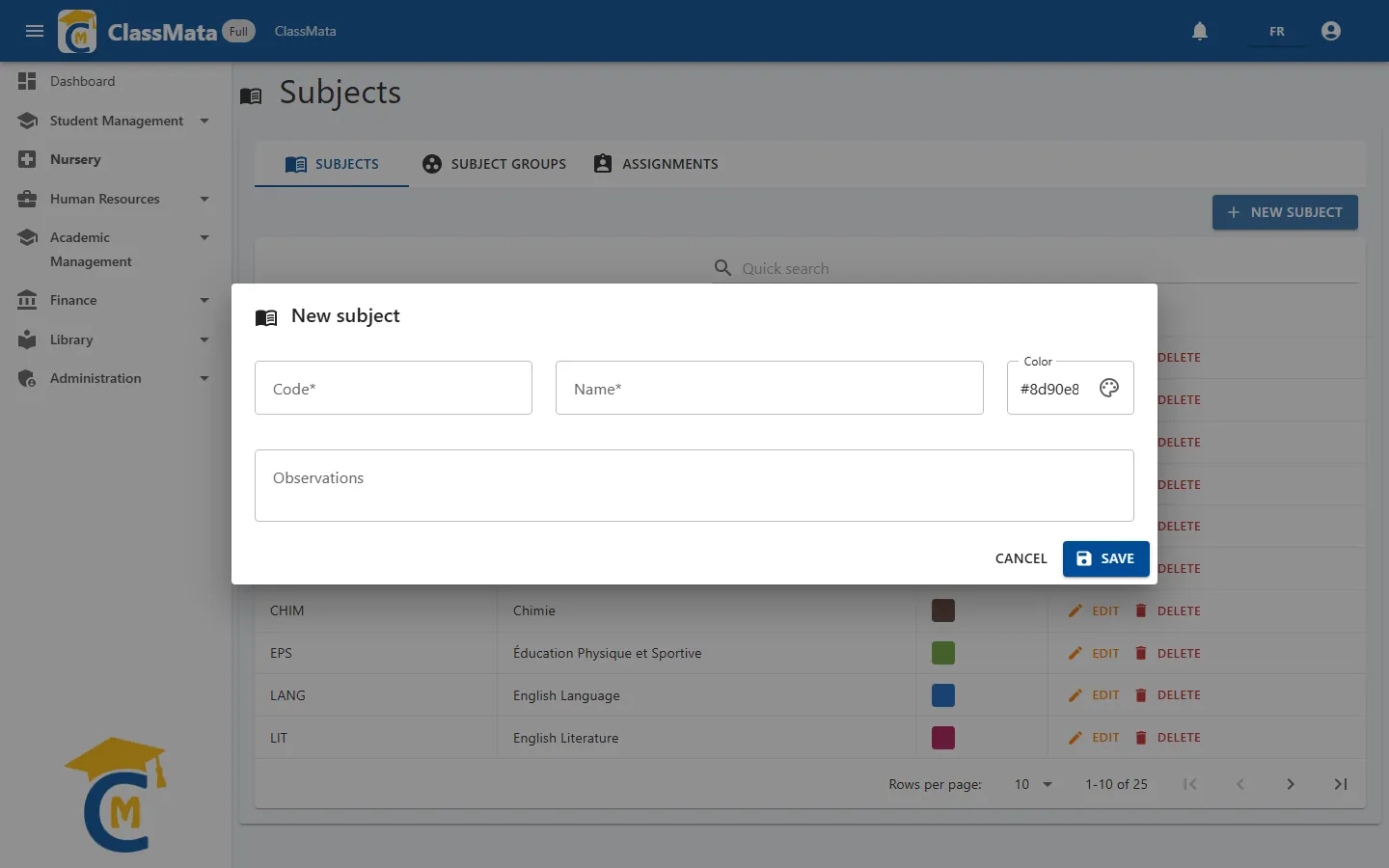
Click New subject:
- Code (required) — short abbreviation: FR, MATH, EN… It appears in the timetable and in lists;
- Name (required) — full title;
- Color — picked with the colour picker. It is the colour of the subject's cell in the timetable;
- Observations — free remark.
Edit reopens the form; Delete removes the subject after confirmation ("You confirm the deletion? This action cannot be undone.").
Subject groups
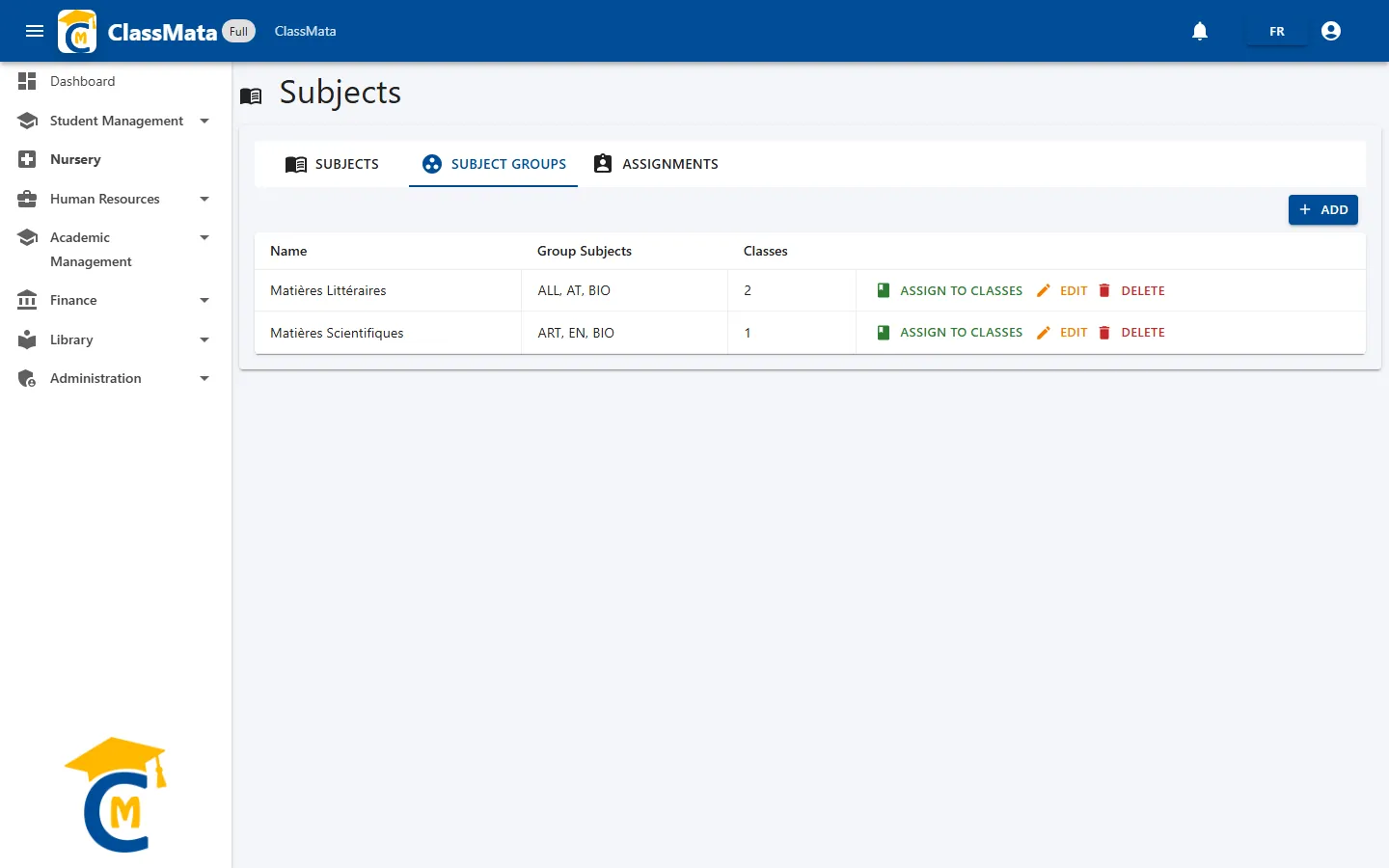
A group gathers several subjects under one heading (for example "Literary subjects"). On a class's report card, the subjects that belong to the same group are shown together under the group's name. The table shows the group's Name, its Group Subjects (by code) and the number of Classes it is assigned to.
Create a group
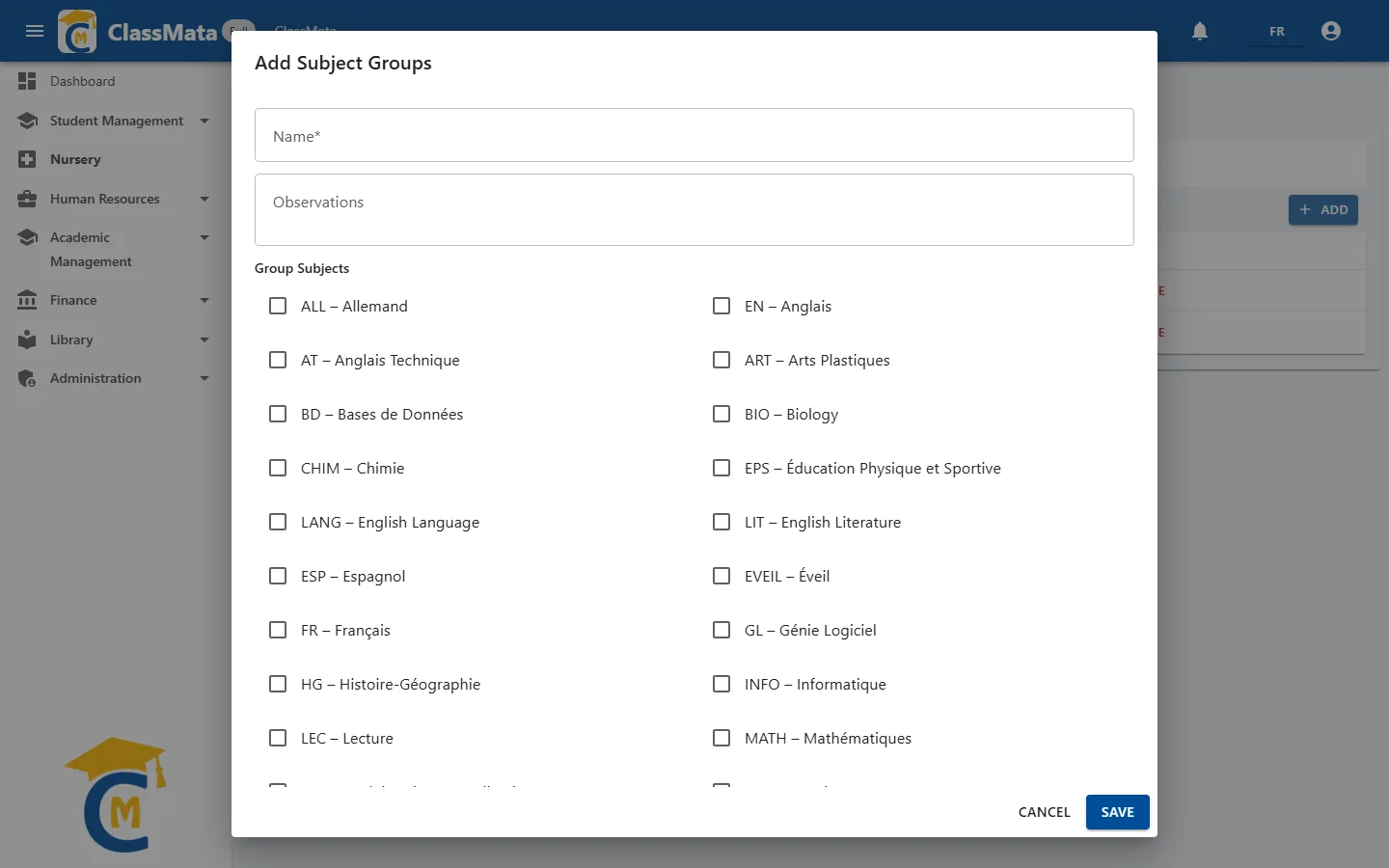
Add opens a form: a Name (required), Observations, then a list of check boxes — one per subject — to choose the Group Subjects.
Assign a group to classes
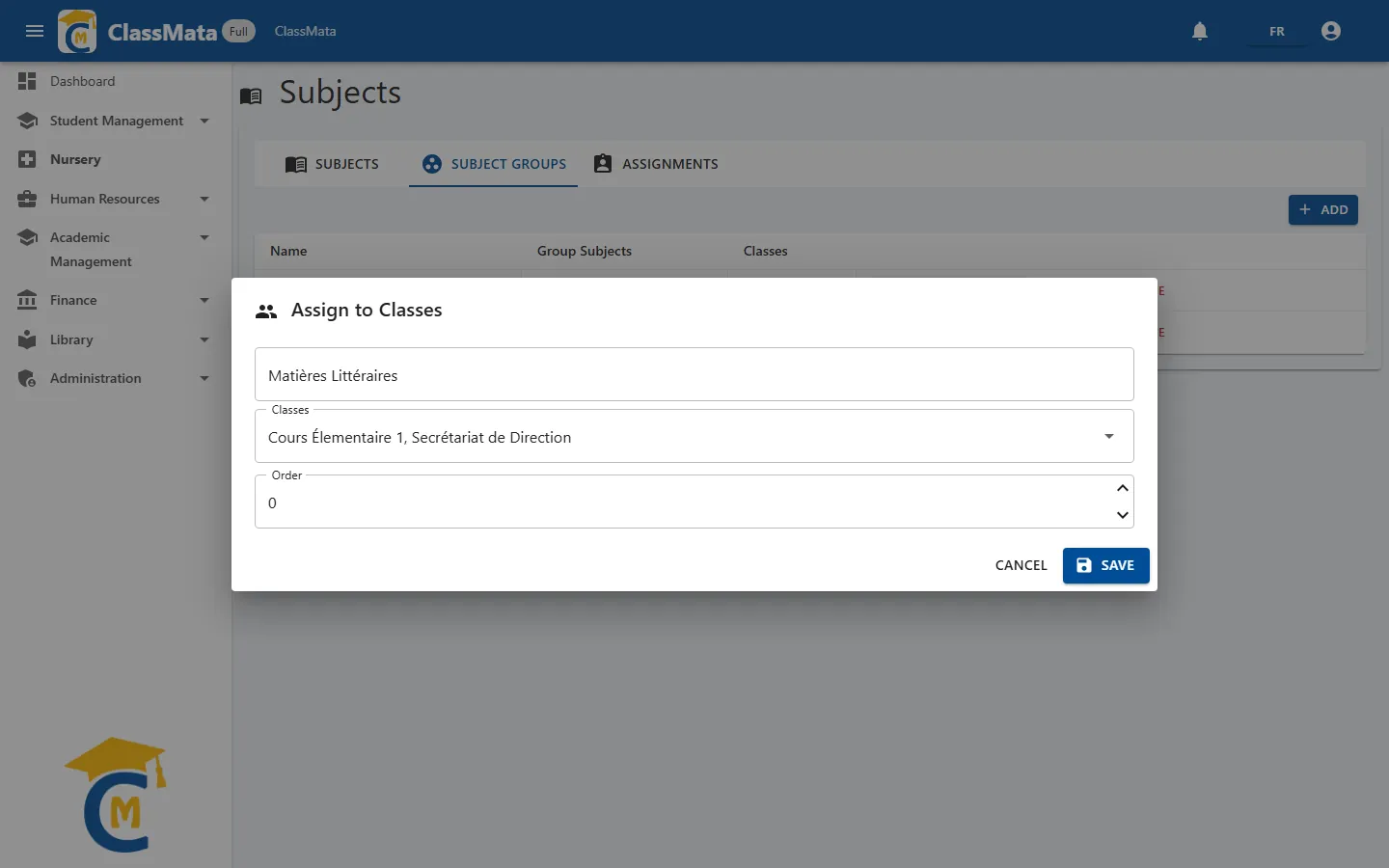
A group's Assign to classes button opens a window where you choose the Classes concerned and an Order (the group's order number for those classes).
One subject, one group per class. If one of the group's subjects already belongs to another group for a chosen class, the assignment is refused with the message "Conflict: subjects already in another group for this class".
Assignments: subject, teacher, coefficient
This is the tab that actually builds a class's curriculum. Without an assignment, a subject does not exist for the class: it appears neither in the timetable, nor in assessments, nor on report cards.
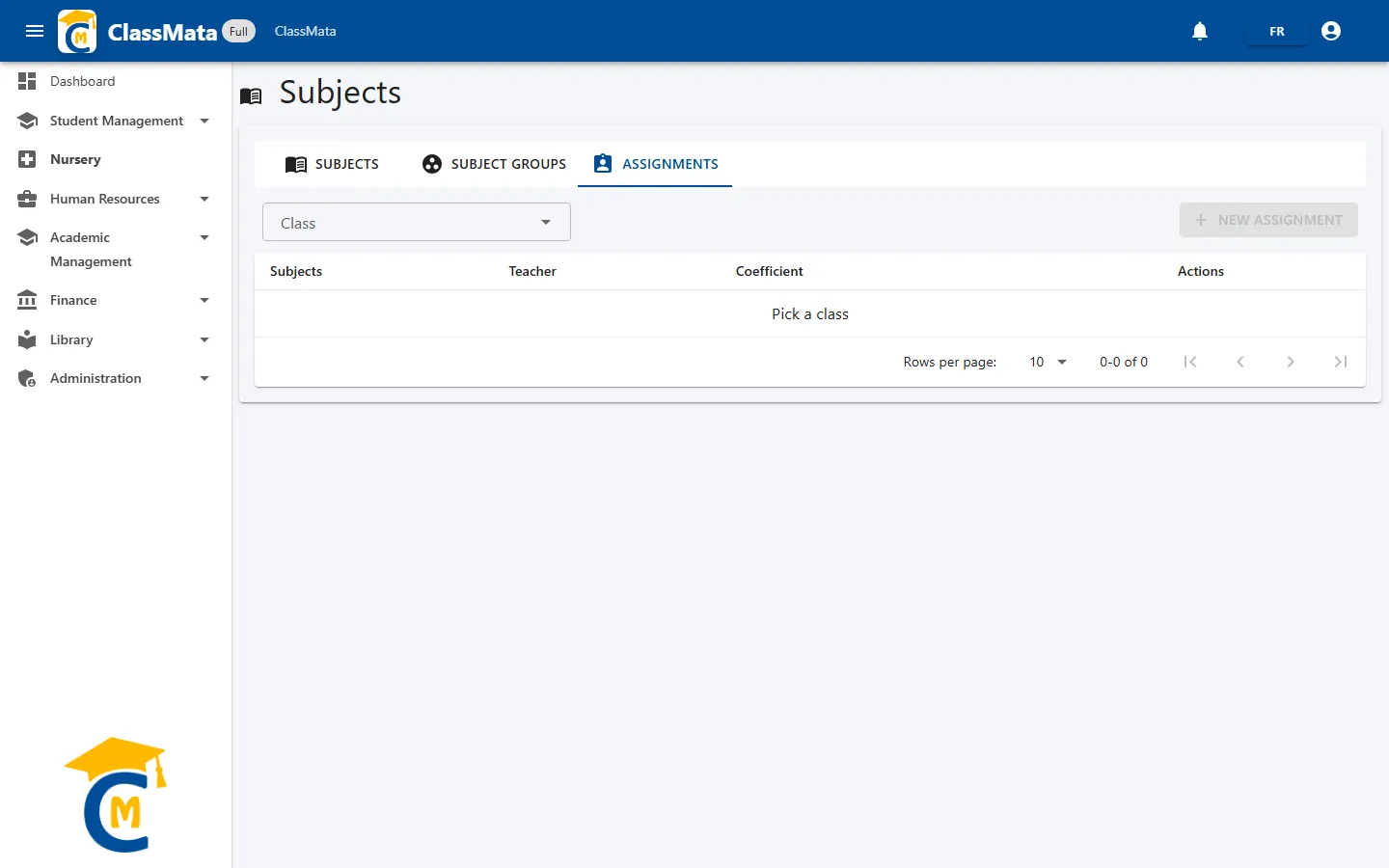
First choose a Class: the list of its subjects appears.
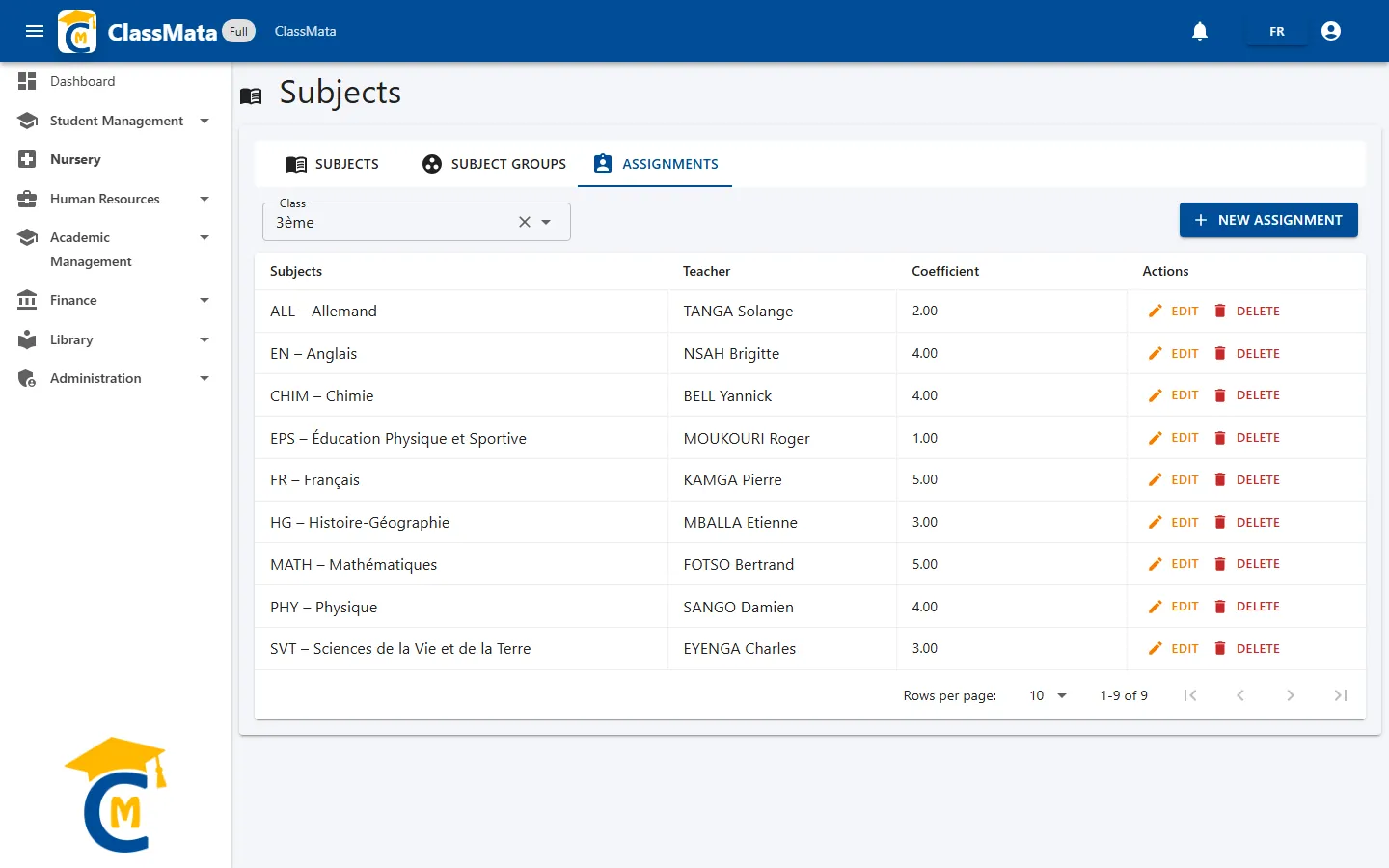
Each row gives the Subject, the Teacher and the Coefficient. Edit and Delete act on the assignment.
New assignment
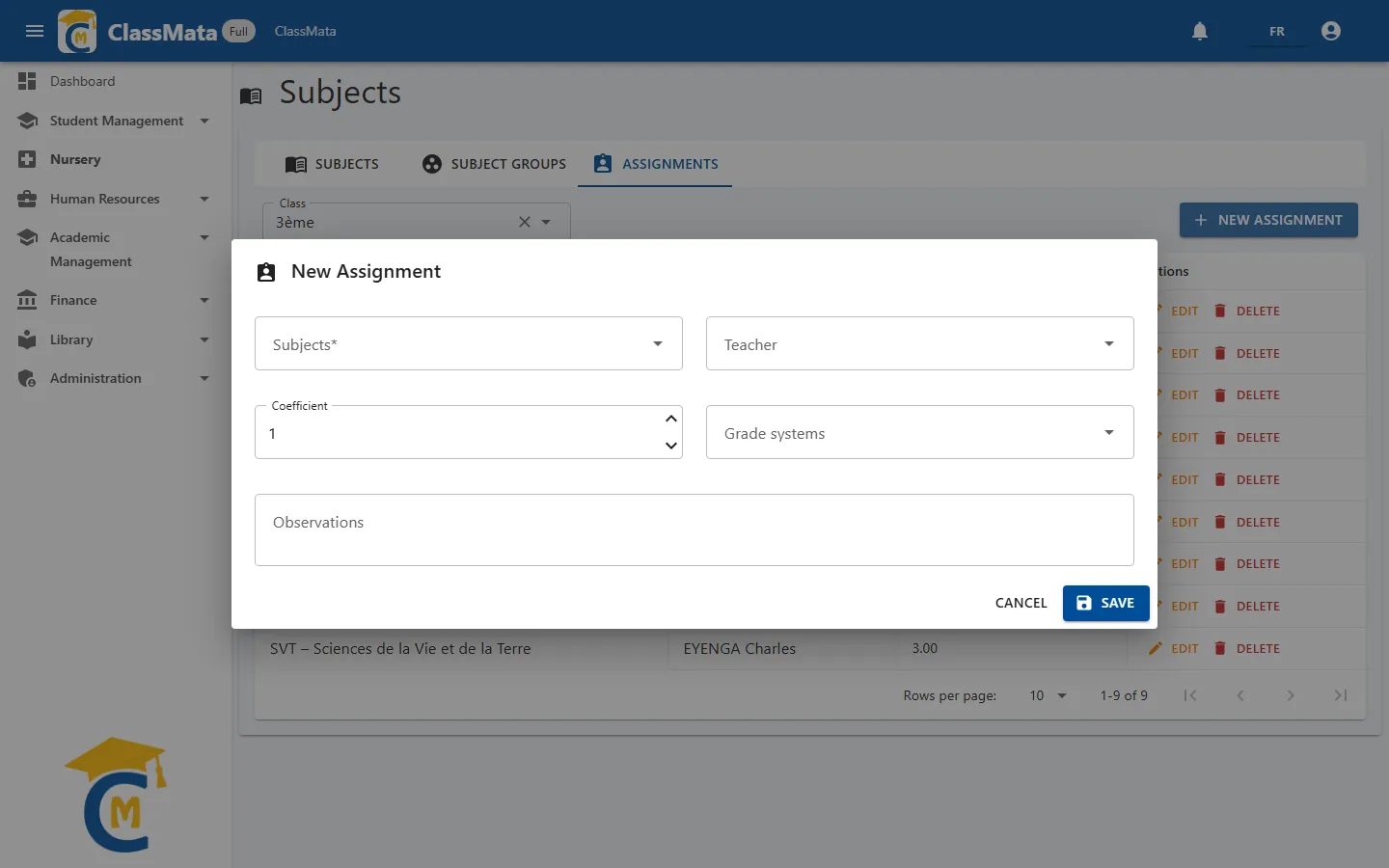
New Assignment (available once the class is chosen) asks for:
- Subjects (required) — the subject to assign. It cannot be changed afterwards: to replace it, delete the assignment and create it again;
- Teacher — the staff member who gives the lesson (optional, but needed for lesson coverage and staff attendance);
- Coefficient — weight of the subject in the class's overall average (minimum 0.1, in steps of 0.5);
- Grade systems — the appreciation scale to use for this subject (see Grade Systems), optional;
- Observations — free remark.
Last updated: