Report Cards & Statistics
This page produces the end-of-period documents: each student's report cards for a class and statistical statements. Documents are generated on the fly from the marks, coefficients, discipline and the grade and reward systems. Accessible from Academic Management → Reports, it has two tabs: Report cards and Statistics.
Permissions. The page requires the permission to produce report cards and statistics.
Report cards
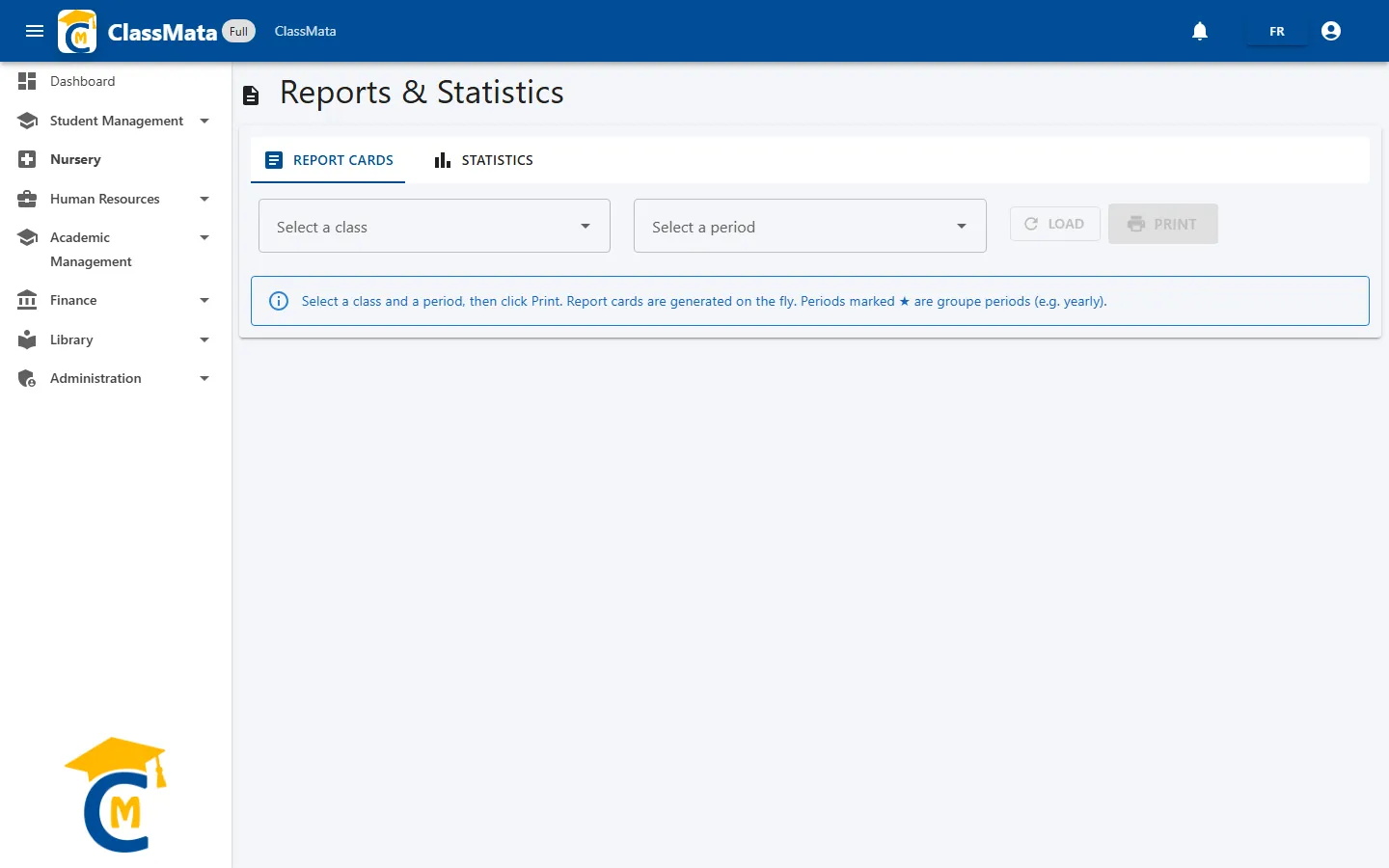
Choose:
- the class, with Select a class (type a few letters);
- the period, with Select a period. Periods marked with a star ★ are grouped periods (for example a year that groups several terms).
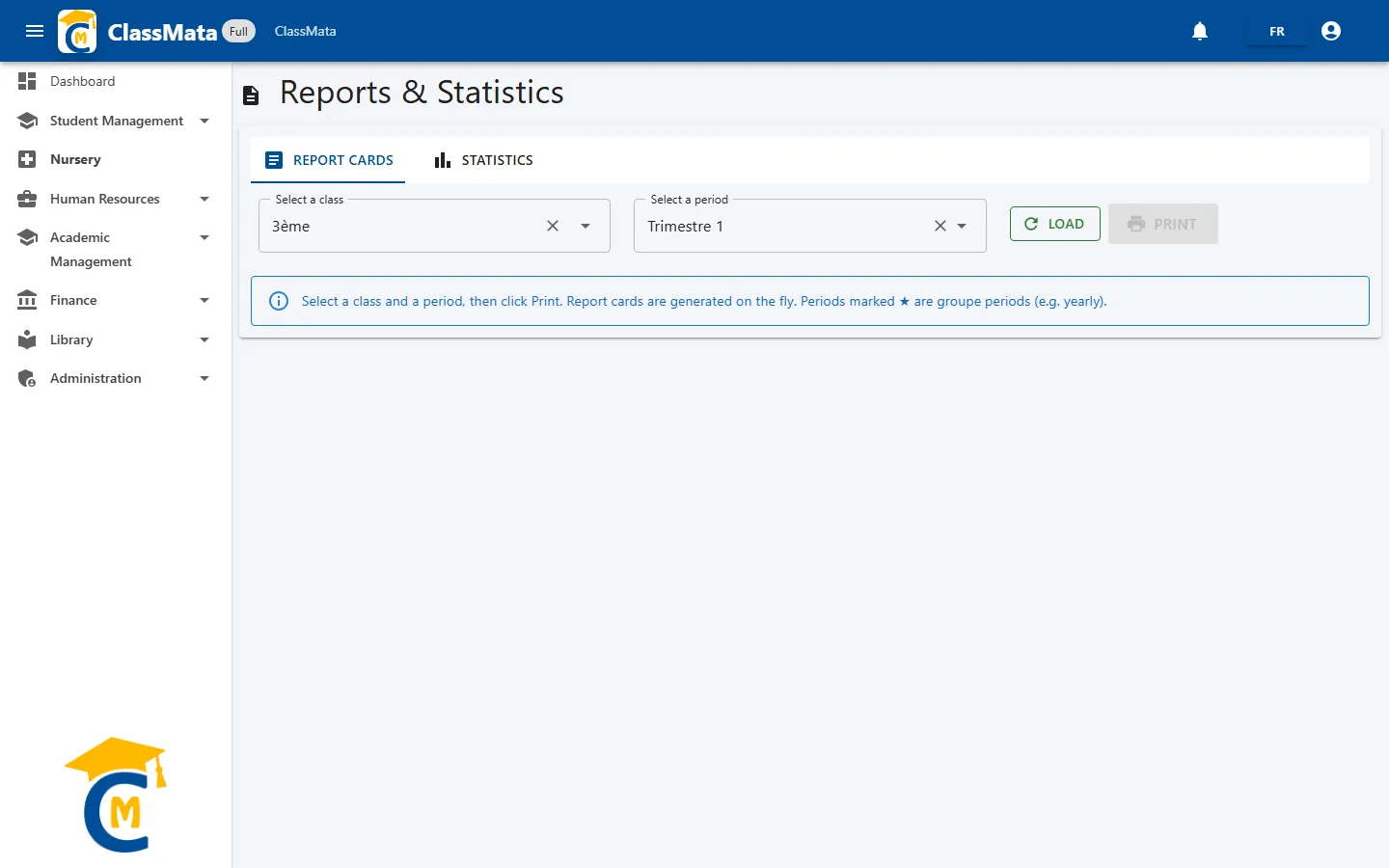
Then click Load to compute the class's results. The Print button stays greyed out until the data is loaded.
Generation blocked: activate the period
Report card generation is protected: each period must be activated before report cards can be produced. If it is not, ClassMata shows:
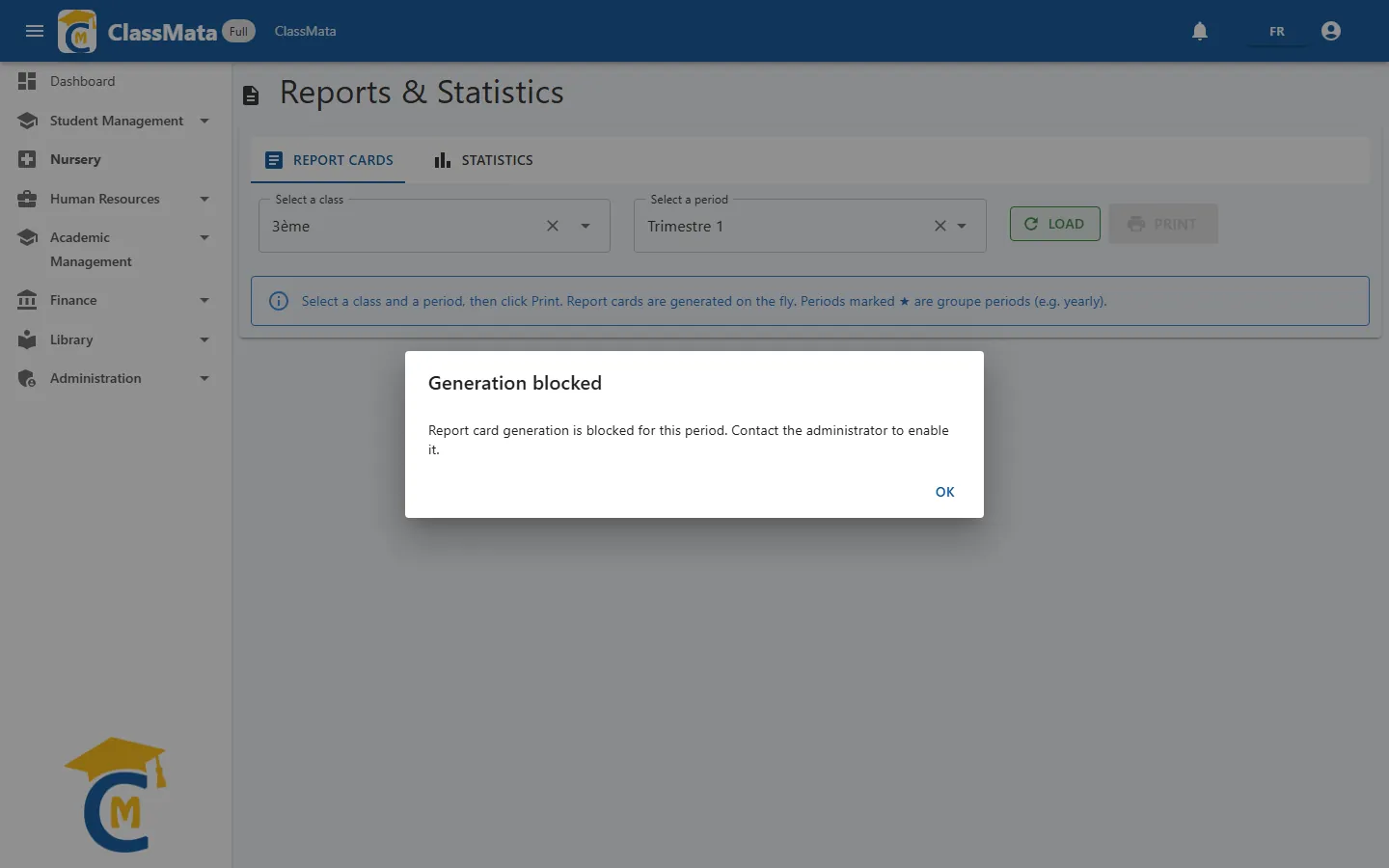
"Report card generation is blocked for this period. Contact the administrator to enable it."
There is nothing to correct in your data entry: contact your school's administrator (or ClassMata support) to have the period activated, then try again. Students hit the same message from My Report Card.
The results table
Once the period is activated, Load shows a table with one row per student:
| Column | Content |
|---|---|
| Rank | Ranking in the class (ties share the same rank) |
| Last Name / First Name | Identity |
| Average | The period's overall average, out of 20 |
| Honors | Mention awarded by the class's reward system |
| Conduct mark | Conduct mark entered in Discipline |
| Non-ranked | Icon that excludes the student from the ranking (with confirmation) |
Below the table are the Class average and the Pass rate. The overall average is the mean of the subjects weighted by their coefficients; how subject averages are computed is detailed in Assessments.
- Print generates the class's report cards, with a preview from which you can print or export to PDF;
- Cover Page (above the table, when cover templates exist) opens the list of available templates: pick one then Print.
Statistics
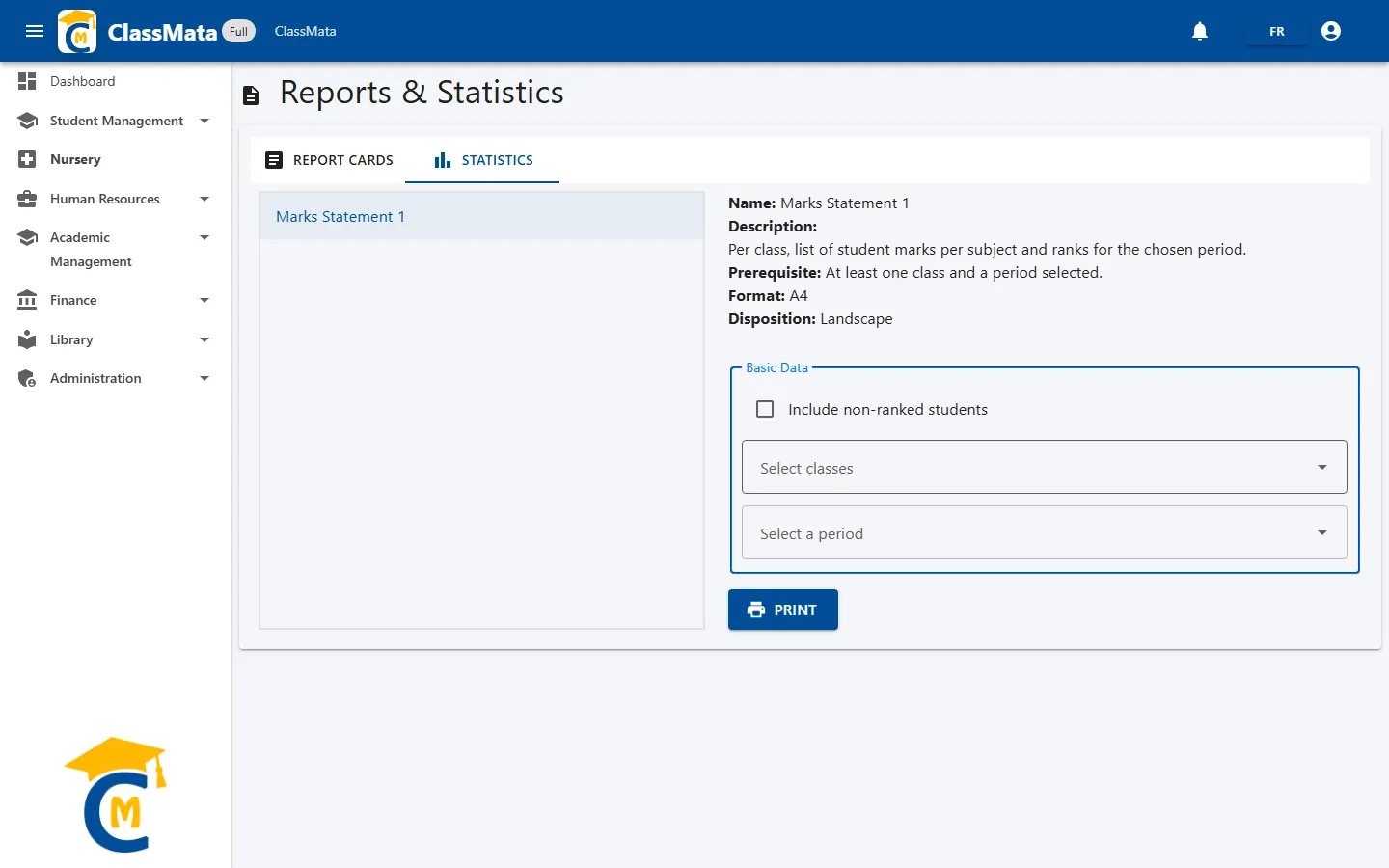
The list on the left shows the available statements. Click one to see its sheet and parameters.
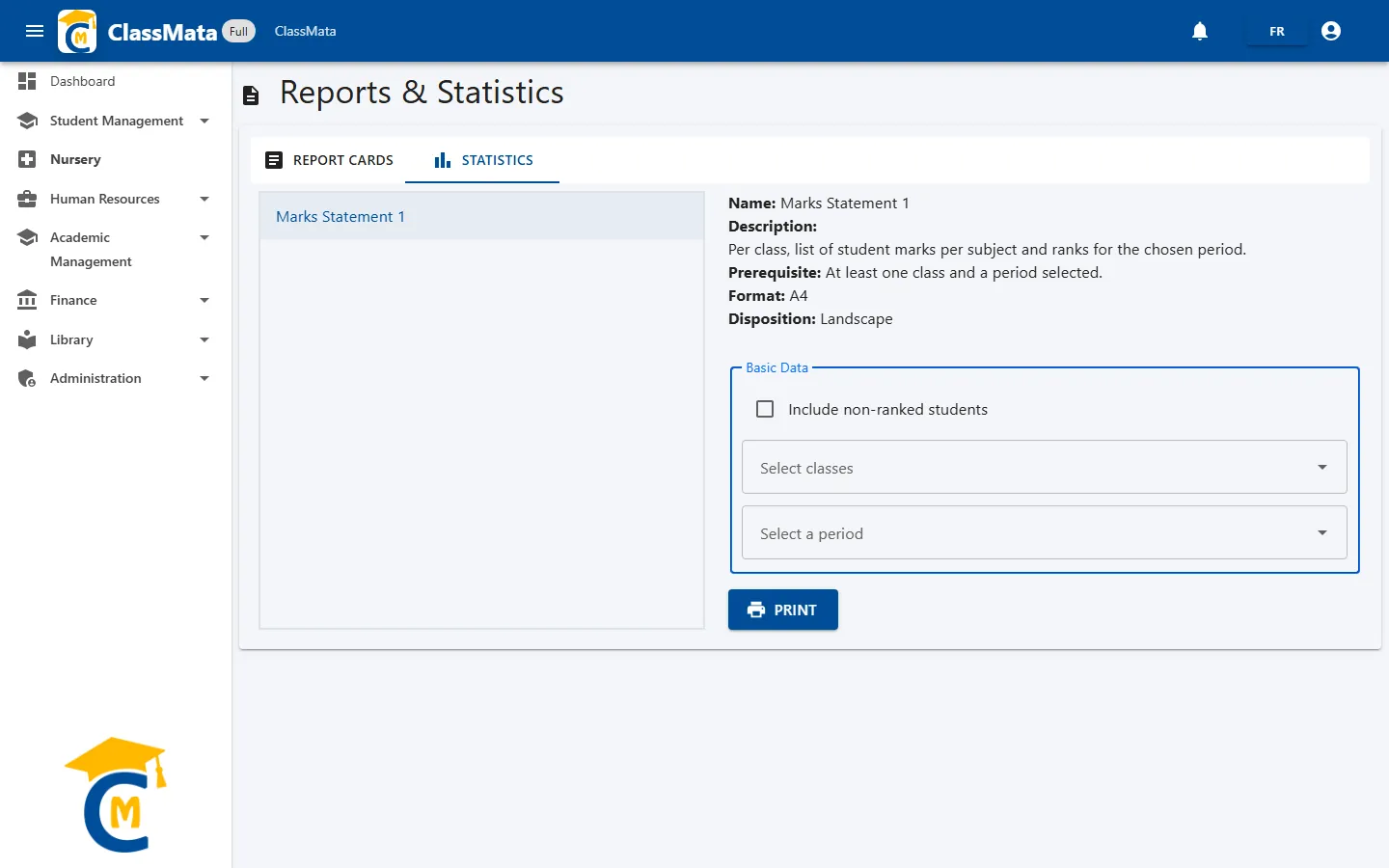
The sheet recalls the document's Name, Description, Prerequisite, Format and Layout. For Marks Statement 1, it is the list of marks per subject and the ranking of each class for the chosen period, in A4 landscape. At least one class and one period are required.
In the Basic Data frame, fill in the parameters the statement asks for:
- Include non-ranked students — tick box;
- Select classes — one or several classes (multiple-choice list);
- Select a period;
then click Print. As with report cards, printing can be blocked if the period has not been activated.
Last updated: