Assessments
An assessment is a test, a sequence or an exam given to a class in a subject for a given period. This page creates and tracks them; the marks themselves are then entered in Mark Entry. Accessible from Academic Management → Assessments.
Choose the class and the period
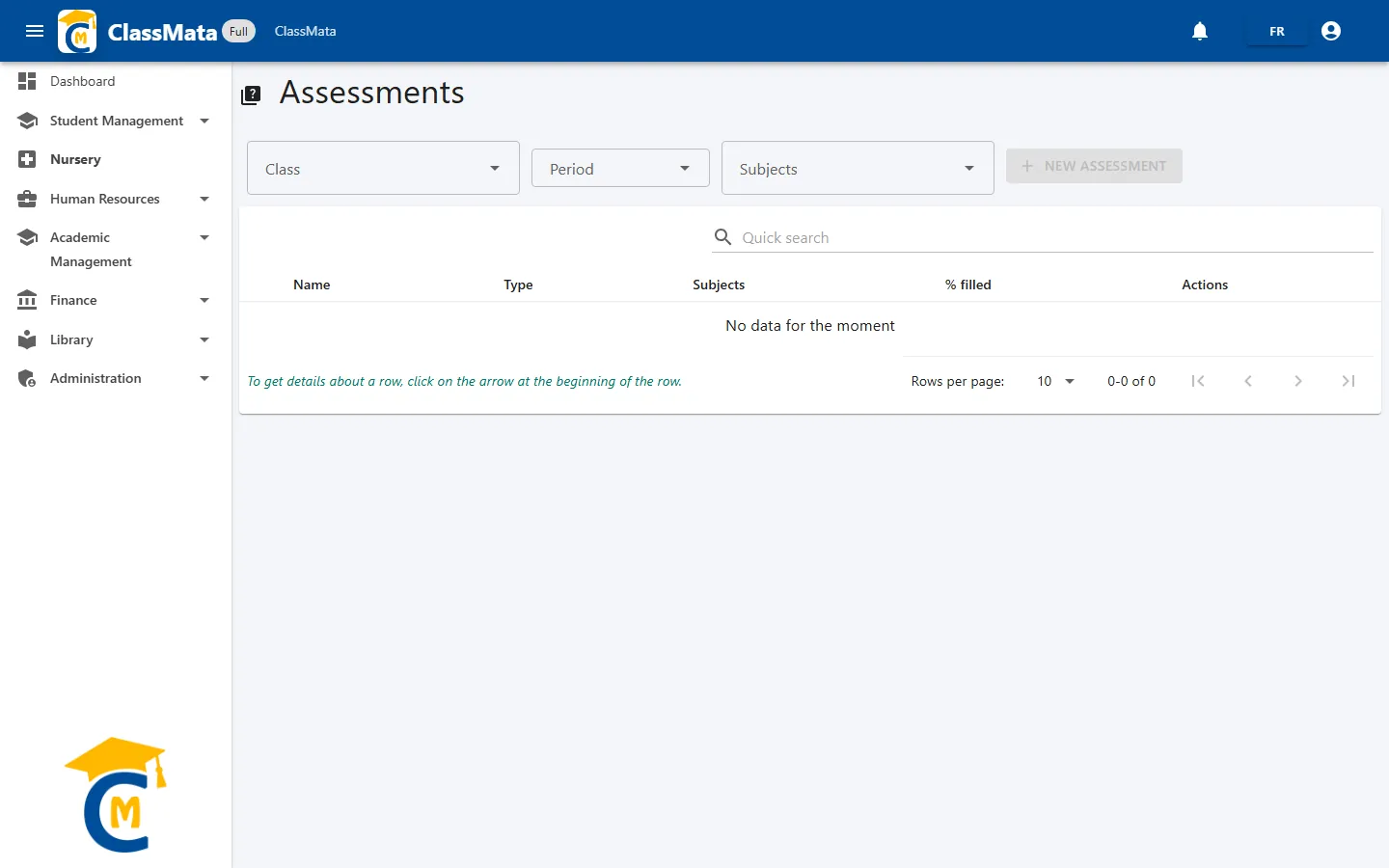
Three filters at the top of the page:
- Class — type a few letters then choose from the list;
- Period — drop-down list of the school's periods;
- Subjects — optional: limits the display to one subject.
The New assessment button stays greyed out until a class and a period are chosen.
The assessment list
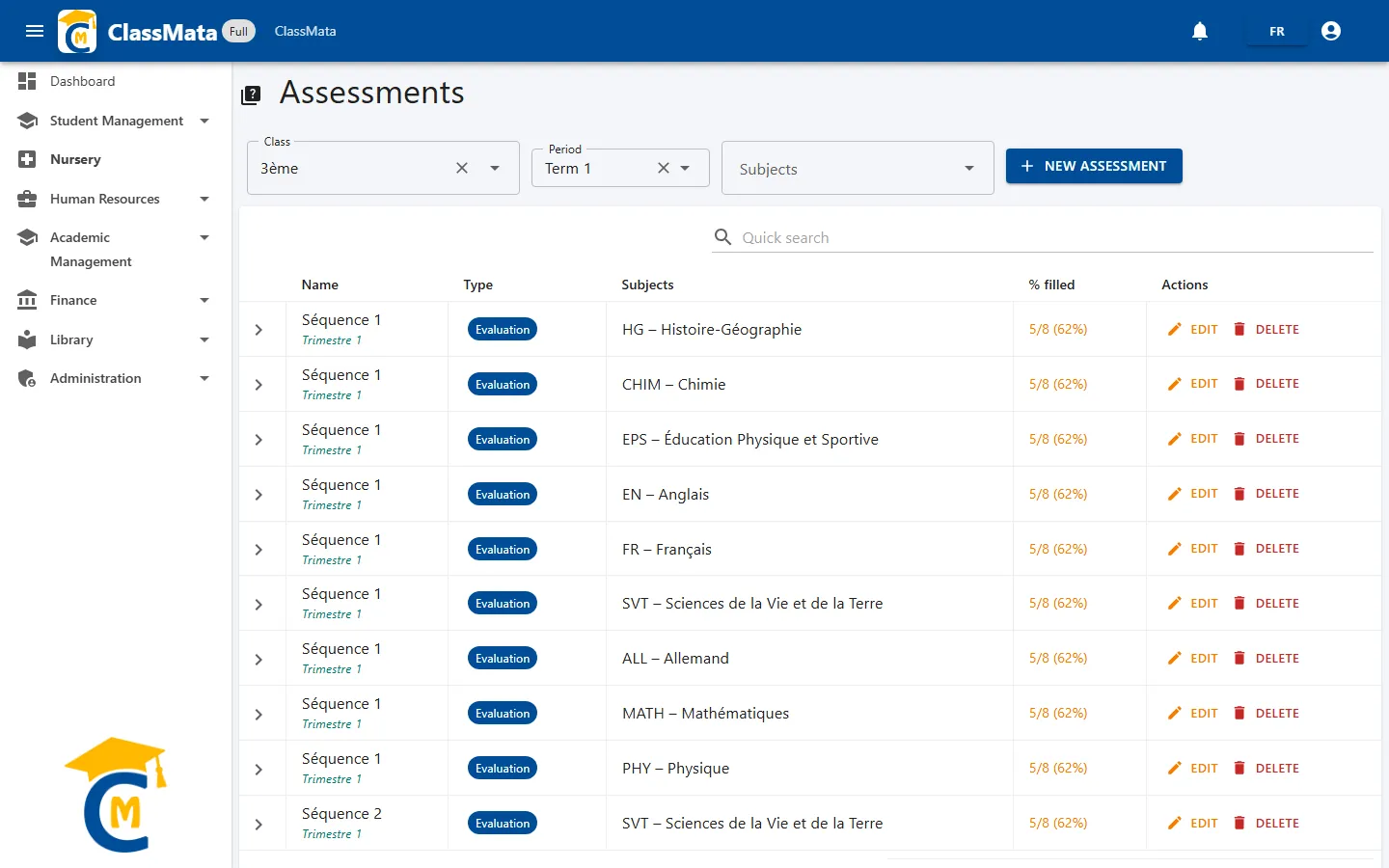
Each row shows:
- the assessment Name, with the period underneath;
- its Type (coloured badge);
- the Subject (code and name);
- % filled: the number of marks already entered out of the class headcount, for example "5/8 (62%)". The text colour shows progress: red under 50%, orange under 70%, blue under 90%, green beyond;
- the Edit and Delete buttons.
The Quick search field filters the list, and the arrow at the start of a row expands the detail:
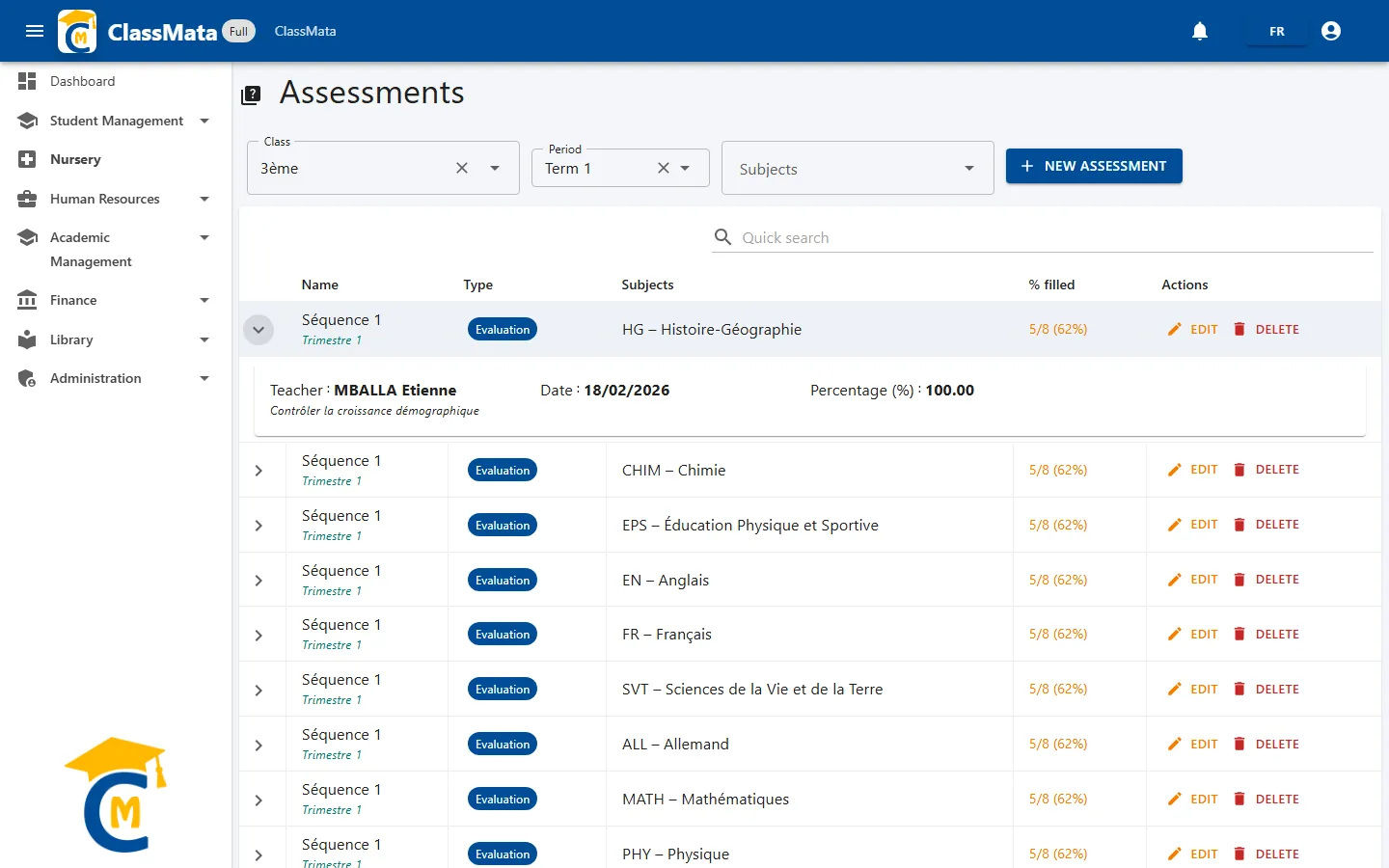
The detail shows the subject's Teacher, the assessment Date, its Percentage (%) and any observations.
Create an assessment
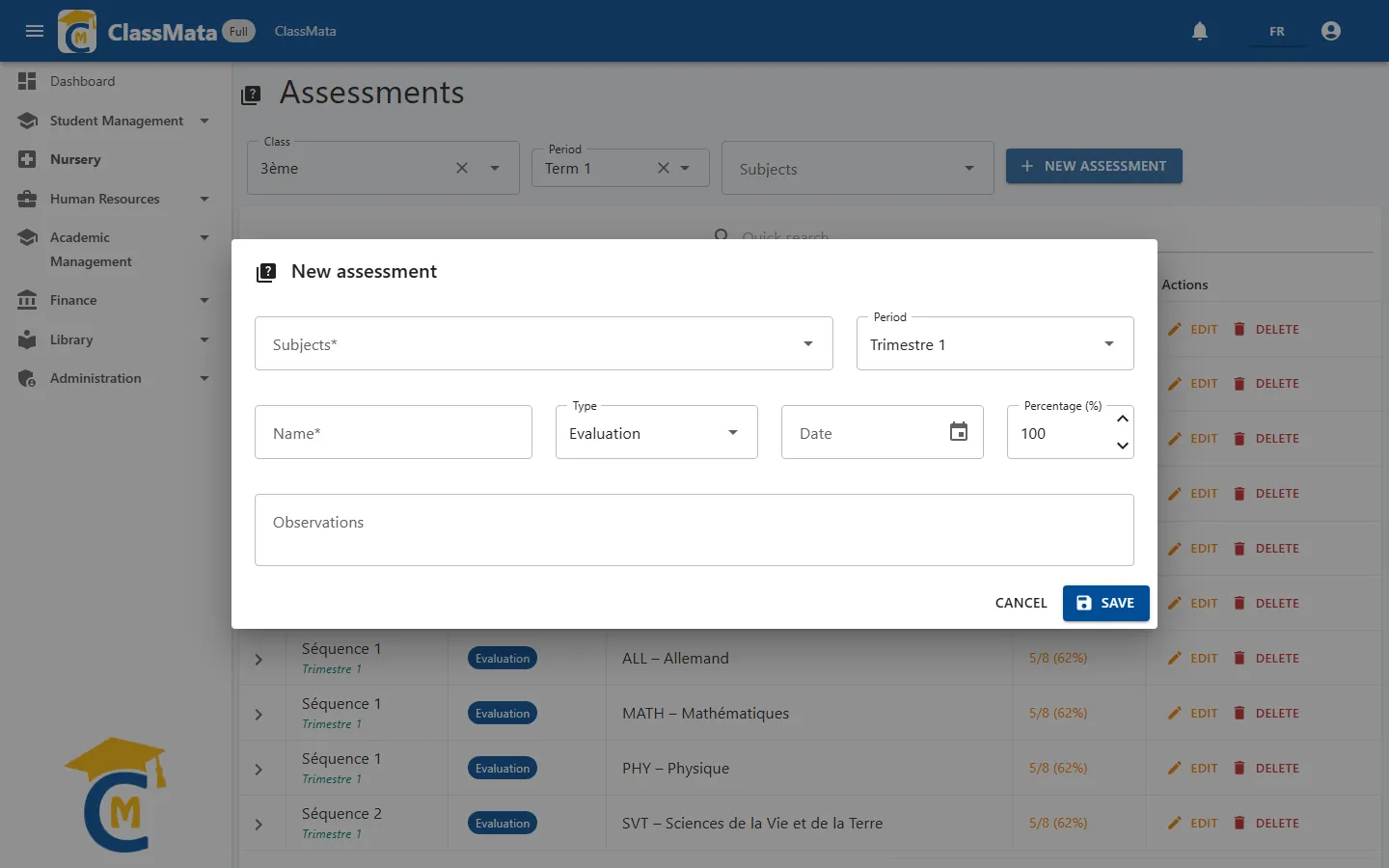
Click New assessment and fill in:
| Field | Content |
|---|---|
| Subjects | The subject assessed, among those assigned to the class (the teacher's name is shown in brackets) |
| Period | The period it belongs to |
| Name | Title of the assessment, for example "Séquence 1" (required) |
| Type | See below |
| Date | Date of the assessment |
| Percentage (%) | Weight of the assessment, from 1 to 100 (100 by default) |
| Observations | Topic, chapter, remark… |
Assessment types
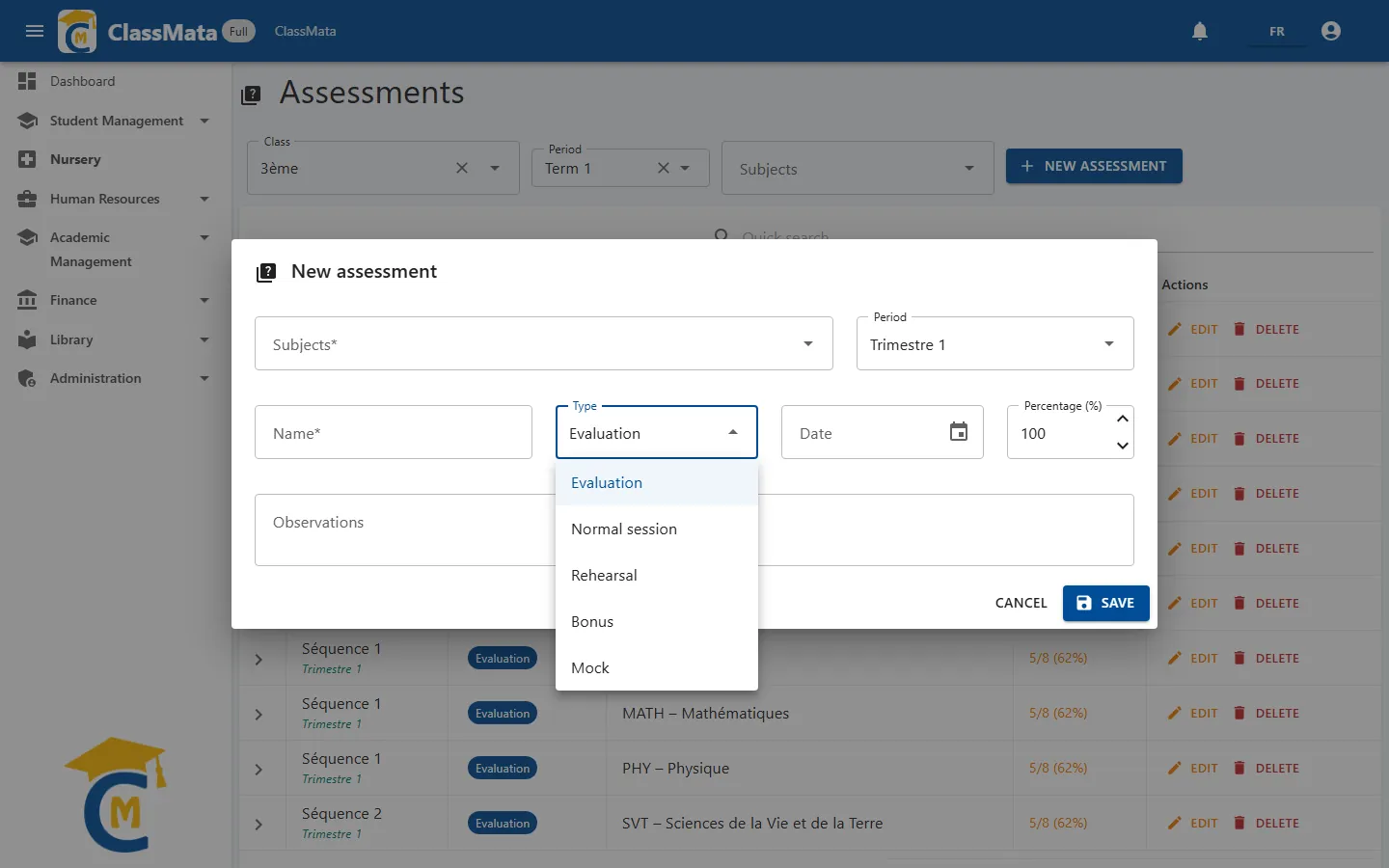
The type decides how marks enter the subject average for the period:
| Type | Role in the average |
|---|---|
| Evaluation and Normal session | Form the base average: mean of the marks weighted by each assessment's Percentage |
| Rehearsal (make-up) | Its average replaces the base average |
| Bonus | Each bonus mark adds mark − 10 points to the average (never less than 0), capped at 20/20 |
| Mock | Mock exam: never counted in the average |
Only marks whose Included in average box is ticked take part in these calculations. The student's overall average is then the mean of the subjects weighted by their coefficients, and the rank follows from it (ties share the same rank).
Edit or delete
Edit reopens the form. Delete asks for confirmation ("This action cannot be undone") and is refused as long as marks exist for the assessment: "Cannot delete: marks exist for this assessment." To make an assessment stop counting in averages without deleting it, use the Cancel assessment for class action of the Mark Entry page instead.
Last updated: