Grade Systems
This page defines how a mark or an average is translated into an appreciation: a letter or level for a subject, a mention and distinctions for a student's overall average. Accessible from Academic Management → Grade systems, it has two tabs: Grade systems and Reward systems.
Permissions. The page requires the permission to manage grading settings.
Grade systems
A grade system is a lookup table: mark ranges matched to a letter, a level and, if needed, a competence code (competency-based approach).
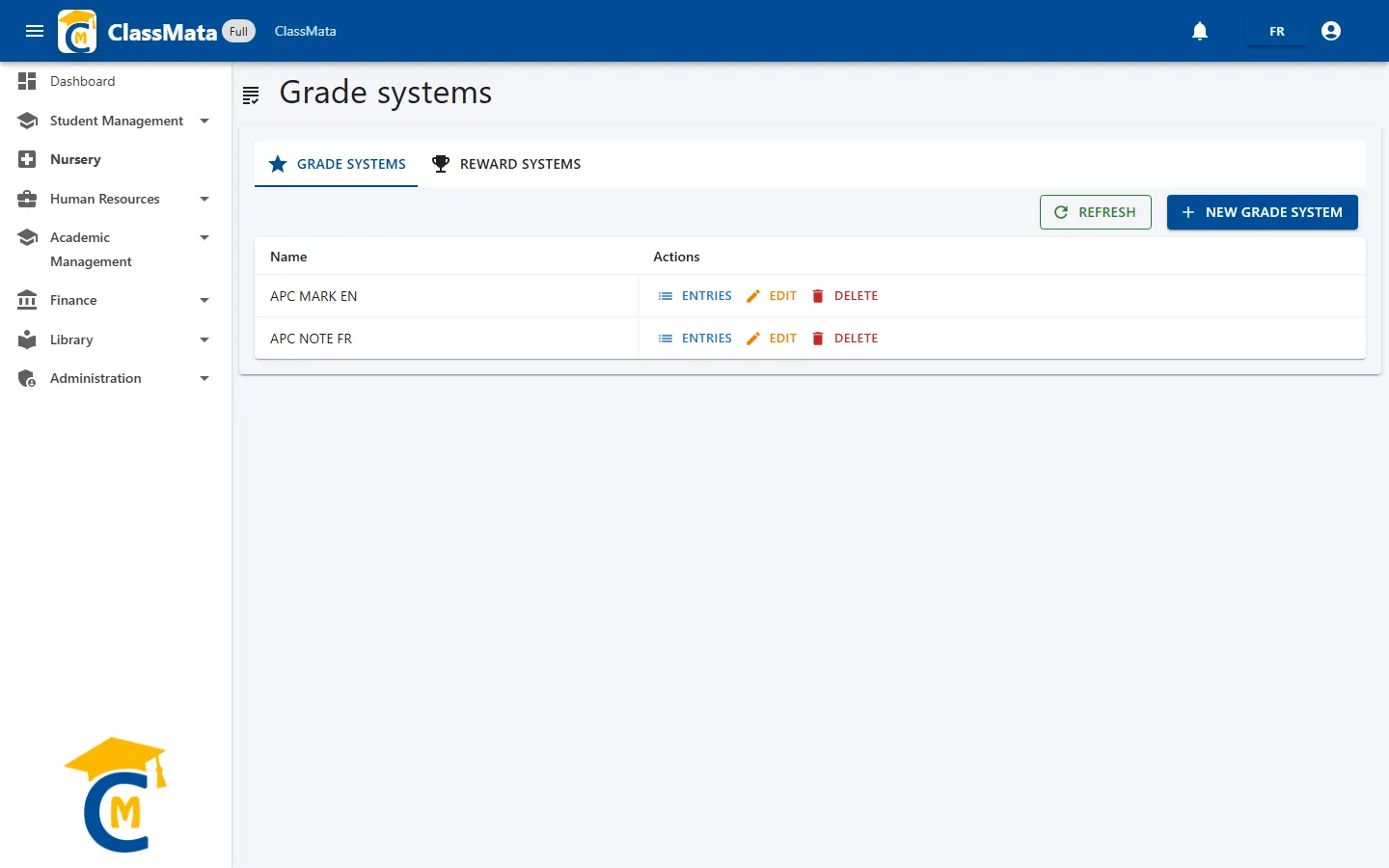
The table lists the systems (Name) with three buttons: Entries, Edit and Delete. Refresh reloads the list.
Create a system
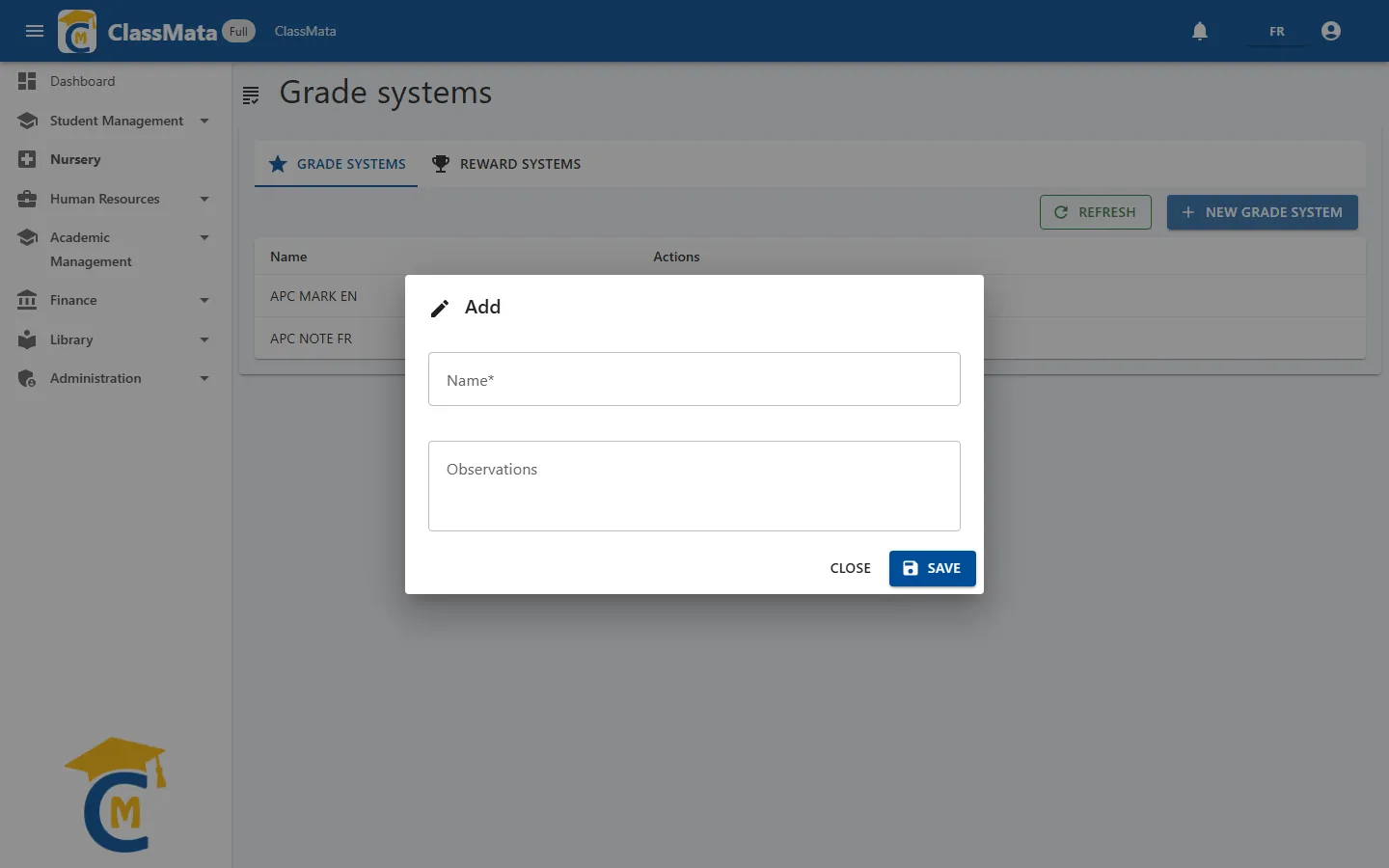
New grade system asks for a Name (required) and Observations. The system is created empty: you then add its entries.
Manage a system's entries
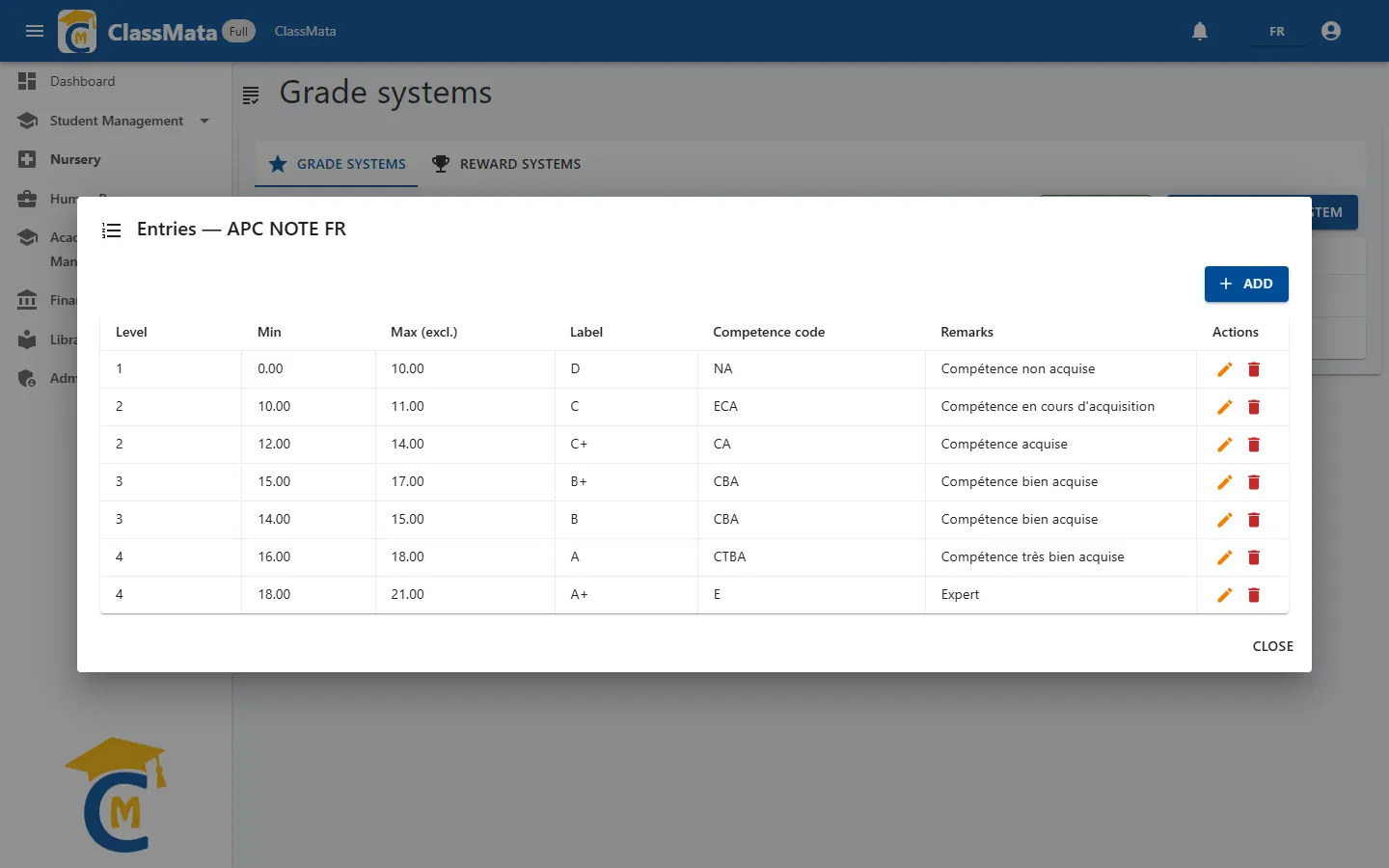
The Entries button opens the system's table. Each entry (row) gives:
| Column | Content |
|---|---|
| Level | Mastery level number (1 to 4 in the example) |
| Min / Max (excl.) | Range of marks out of 20 covered by the entry |
| Label | Letter or appreciation displayed (D, C, C+, B, B+, A, A+…) |
| Competence code | Associated competence code (NA, ECA, CA, CBA, CTBA…) |
| Remarks | Description of the appreciation, for example "Competence well acquired" |
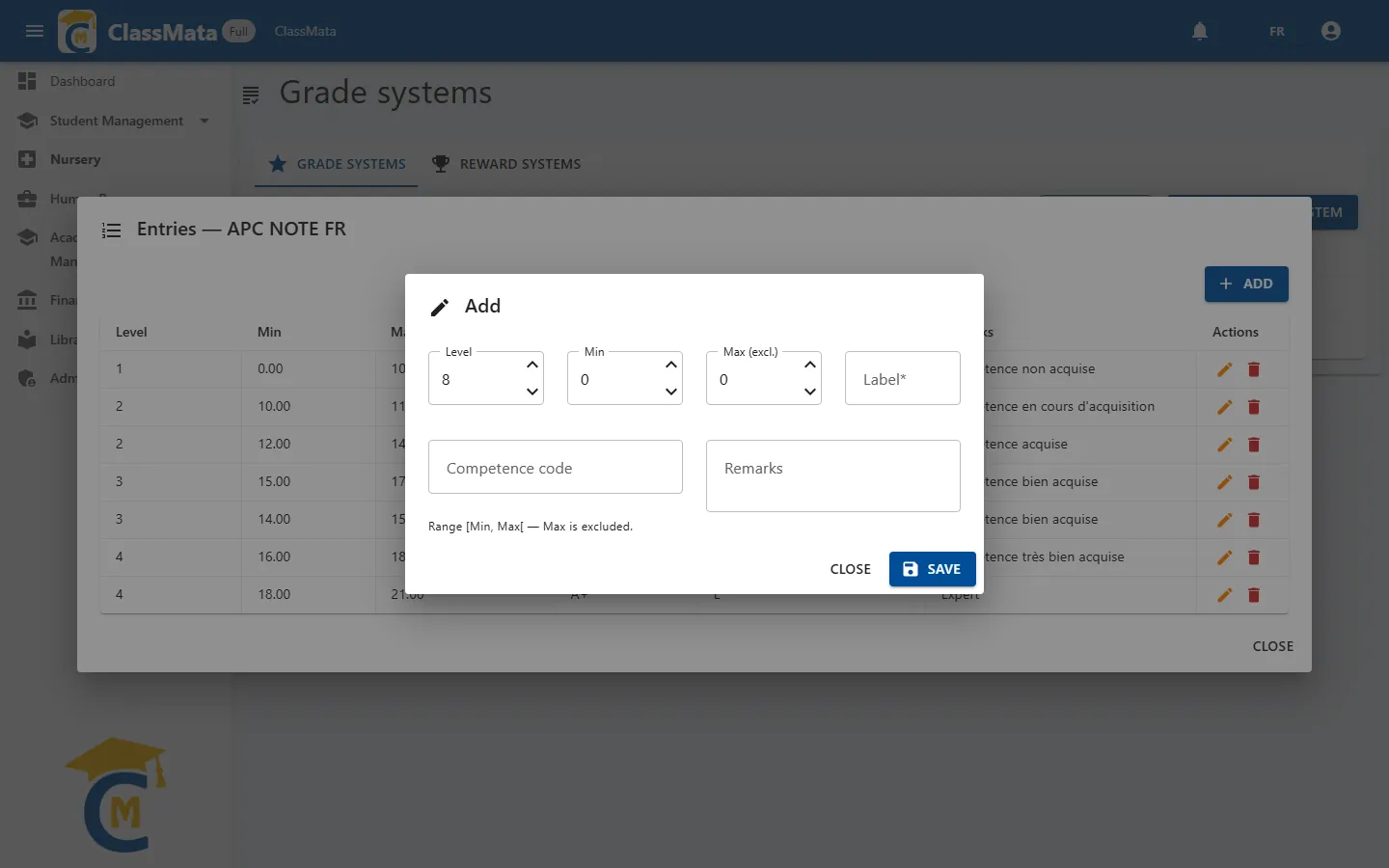
Add opens an entry's form: Level, Min, Max (excl.), Label (required), Competence code and Remarks.
Range [Min, Max[. The Max is excluded: an entry from 10 to 11 covers marks from 10 included to 11 excluded. Check that ranges follow one another without gap or overlap, and that Max is greater than Min (otherwise: "Max must be greater than Min."). To cover the mark 20, set a maximum of 21.
The grade system is then applied subject by subject: you pick it in the assignment of a subject to a class (see Subjects, Assignments tab).
Reward systems
A reward system translates a student's overall average into a mention and distinctions, for report cards.
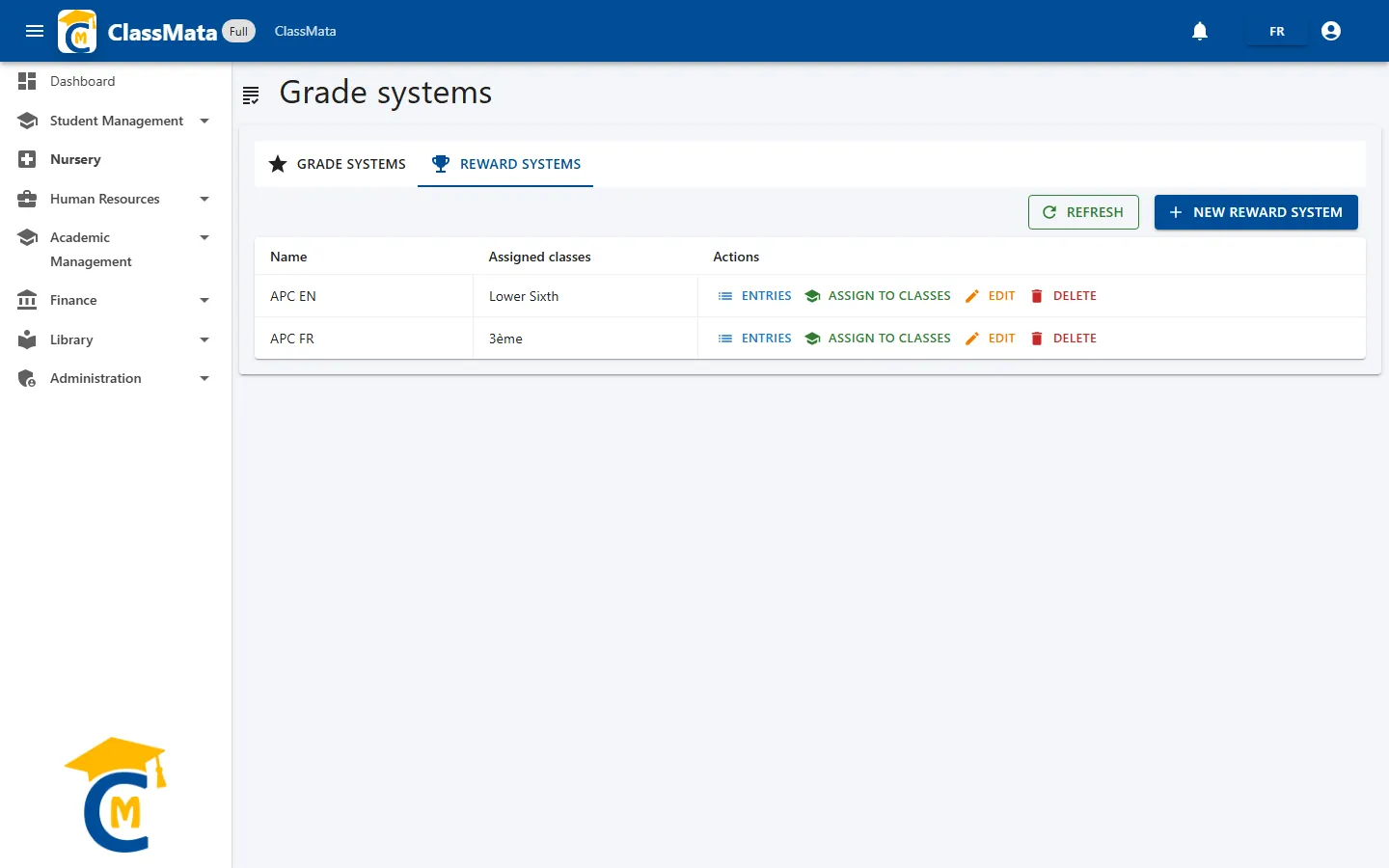
The table lists the systems with their Assigned classes, and offers four buttons: Entries, Assign to classes, Edit and Delete.
Create a reward system
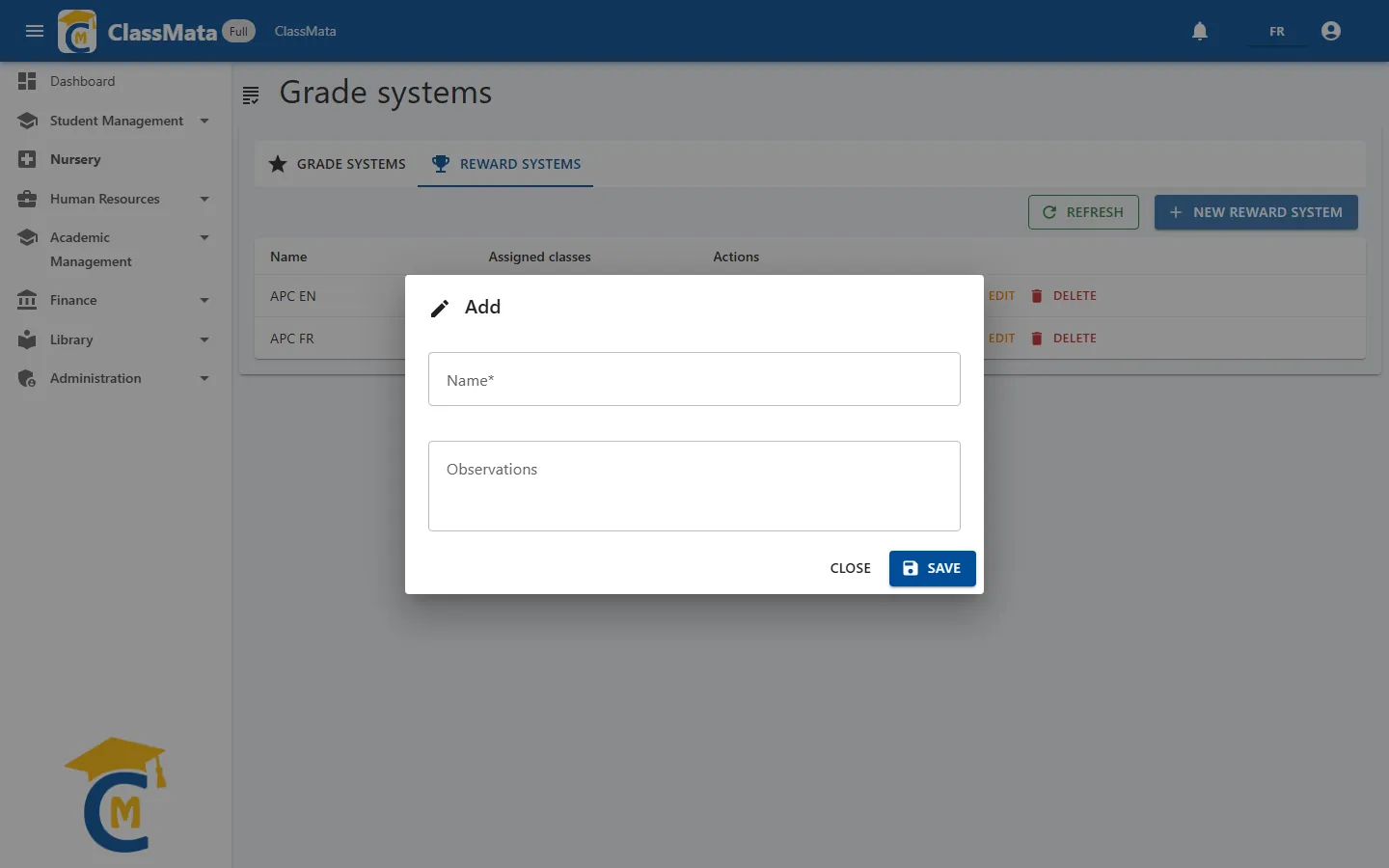
New reward system asks for a Name and Observations.
Entries and distinctions
As for grade systems, Entries defines [Min, Max[ ranges (here of averages) with a Label (the mention printed on the report card) and Remarks. In addition, each entry of a reward system can switch on Distinctions (tick boxes):
- Honor roll;
- Credits (encouragements);
- Congratulations;
- Work warning;
- Academic blame.
Assign a system to classes
Assign to classes opens a multiple-choice list (with Select all) to designate the classes that will use this system. The Assigned classes column of the table summarises the result.
Last updated: