Audit Log
The audit log keeps a trace of what happens in ClassMata: who signed in, which record was created, edited or deleted, which password was reset… It is used to find where a change came from or to check a sensitive operation. Accessible from Administration → Audit Log.
Permissions. The page requires access to Administration and the Audit Log permission (see Role Management).
Reading the log
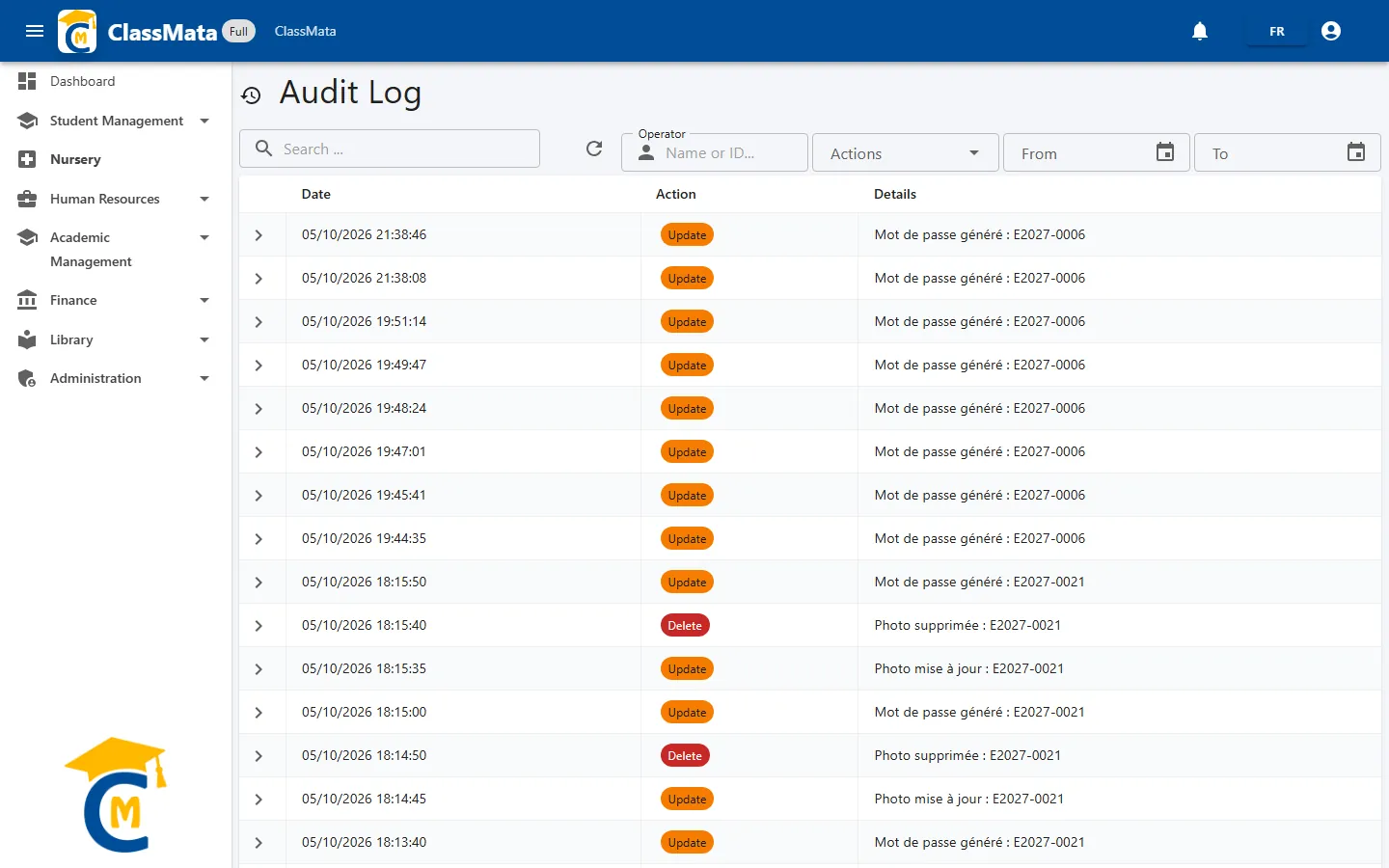
Operations are sorted from the most recent to the oldest, 25 per page. Each row shows:
| Column | Content |
|---|---|
| Date | Exact day and time of the operation (dd/mm/yyyy hh:mm:ss) |
| Action | Colored chip: Login (green), Insert (blue), Update (orange), Delete (red) |
| Details | What was done, for example "Création transaction : Matériel informatique (5000)" or "Mot de passe généré : E2027-0006" |
The arrow at the start of a row unfolds the full text of the details.
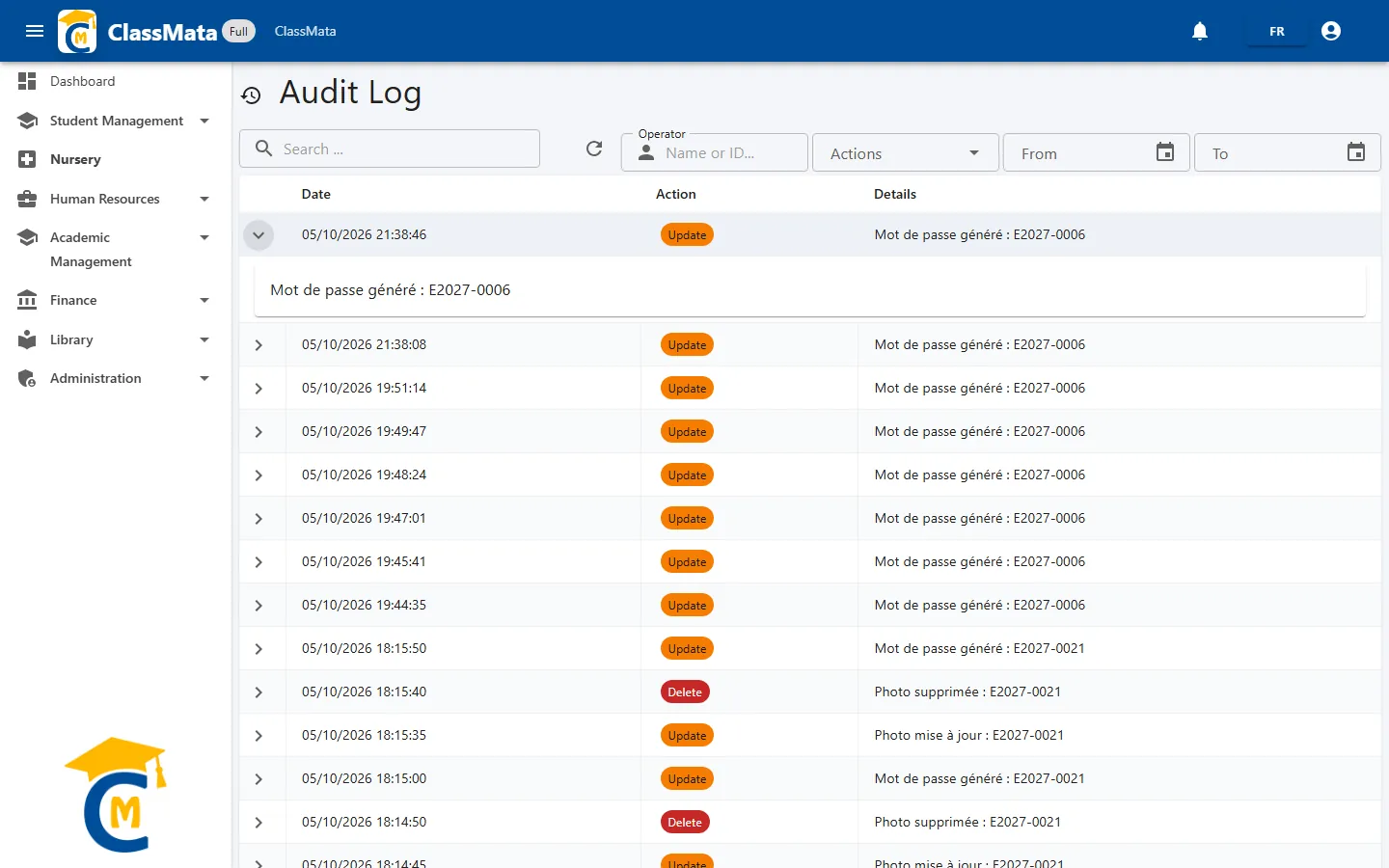
The recorded operations are the ones the application logs by itself: sign-ins, creation, editing and deletion of records, periods, templates, transactions, roles, photos, passwords… The log cannot be edited or erased from this page.
Language of the details. Many entries are written in French, whatever the application's language.
Finding an operation
The toolbar above the table offers five tools:
| Tool | Role |
|---|---|
| Search … | Looks for a word in the details, across the whole log. Results appear about three seconds after the last letter typed |
| Refresh (circular arrow) | Reloads the log |
| Operator | Filters on the name, first name or ID of the person who did the operation |
| Actions | Chooses one or several action types: Login, Insert, Update, Delete |
| From / To | Limit the log to a period |
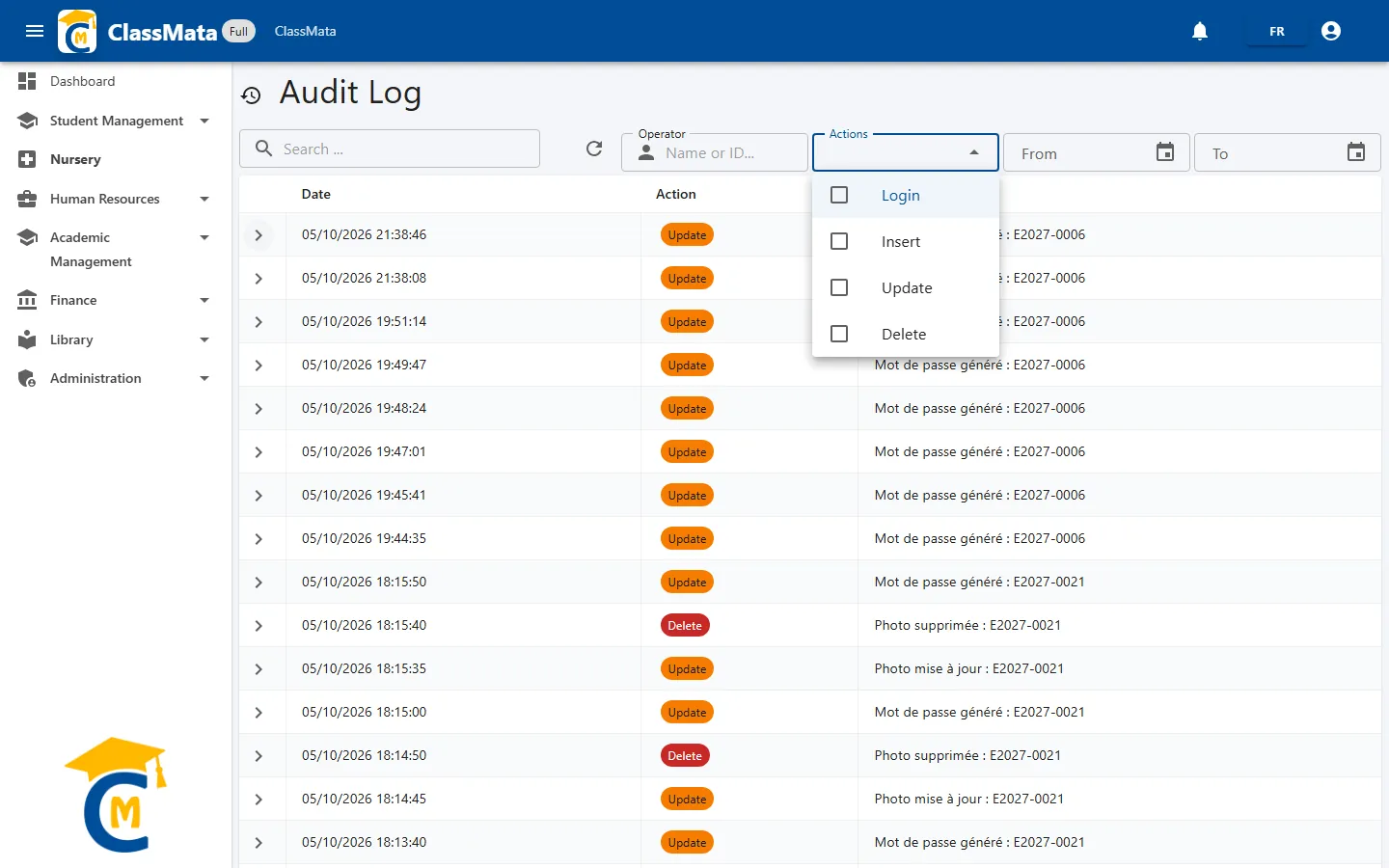
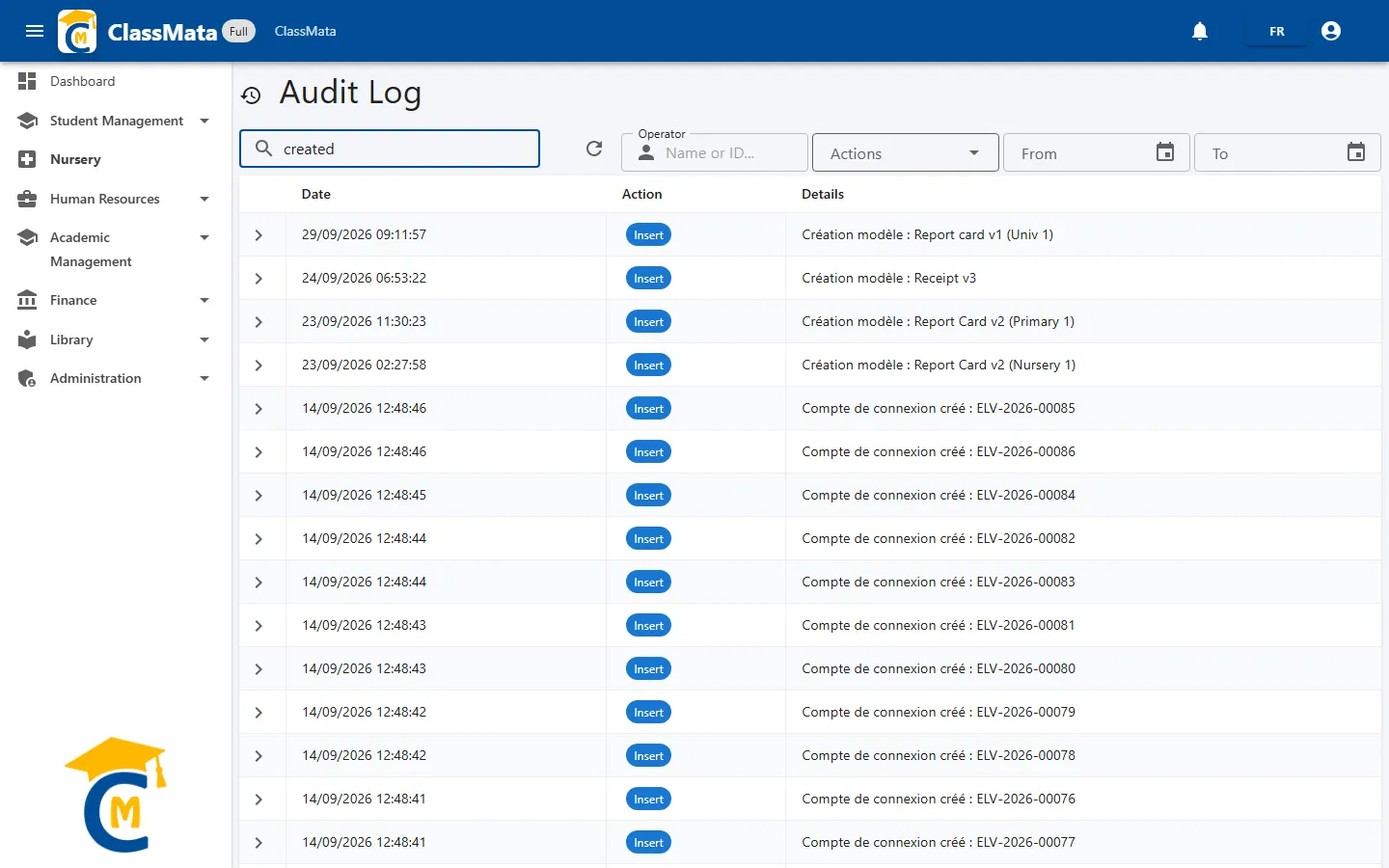
As soon as an Operator, Actions or date filter is active, a Clear filters icon appears to reset everything.
Good to know. The search and the dates apply to the whole log. The Operator and Actions filters, on the other hand, apply to the rows of the displayed page: combine them with a search or a period to narrow the log first, or go through the pages.
Last updated: